1
TOOLBAR
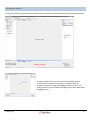
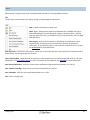
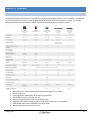
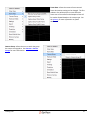
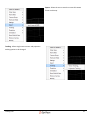
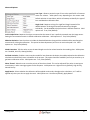
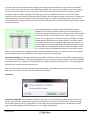
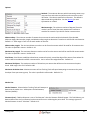
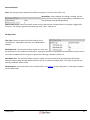
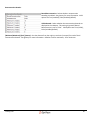
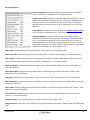
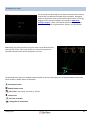
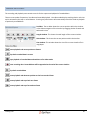
The Toolbar allows one click access to many of the functions of Tracking Tools. The Toolbar comes standard with basic
icons, and can be further customized via the View menu.
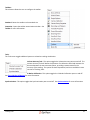
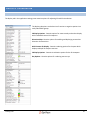
Customize Toolbar:
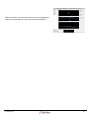
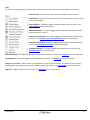
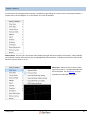
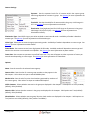
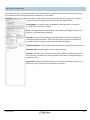
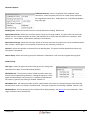
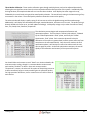
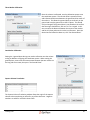
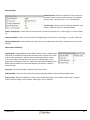
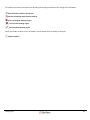
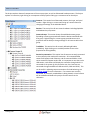
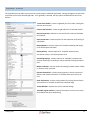
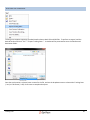
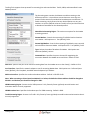
By clicking on customize toolbar, you have the option to add or remove icons from the toolbar, and even remove entire
bars from the system. The customize window is divided into 4 tabs.
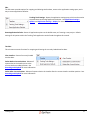
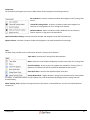
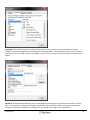
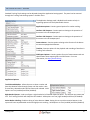
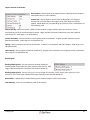
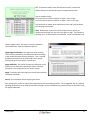
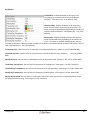
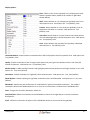
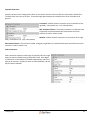
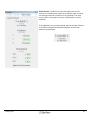
Toolbars: This tab allows the user to add and remove toolbars from the Tracking Tools header by checking or
unchecking a particular toolbar. Users can add additional toolbars by clicking "New", and giving the new toolbar a name.
Tracking Tools
21