1
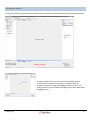
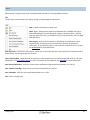
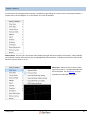
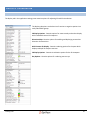
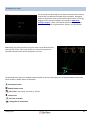
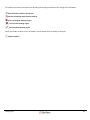
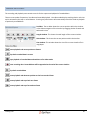
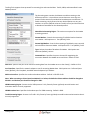
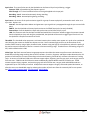
The toolbar also contains five options for adjusting the blocking mask features of Tracking Tools individually:
Block all markers visible in all cameras
Remove all blocking masks from all cameras
Draw a rectangular blocking region
Draw a circular blocking region
Draw a freehand blocking region
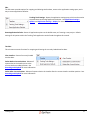
Finally, the toolbar contains an icon to enable a virtual camera reticle to display on the pane:
Enable Crosshairs
Tracking Tools
69