1
SCE/EN MF/C80
Maintenance
Page 4/112
2.
PACiS System Configuration Editor
CHECKS
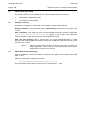
This section presents the list and the corresponding explanation of the error/warning
messages you can get into the checks tab of the log window.
Theses errors or warning are raised during the complete consistency check of the current
configuration. The check function is available via menu item file/check (shortcut F6).
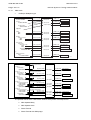
Checks are performed according to the following steps:
−
General checks
−
System checks
−
Electrical checks
−
Graphical checks
−
Datapoints checks
Spare objects are not processed.
Objects in Temporary area are not processed.
Referenced document is SCE Check Specification-DSL2-Issue B1.
2.1
Check user interface
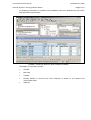
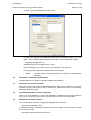
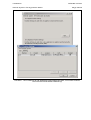
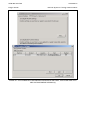
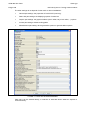
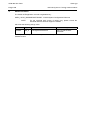
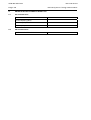
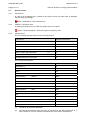
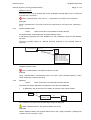
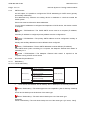
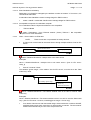
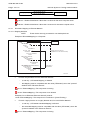
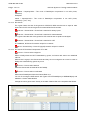
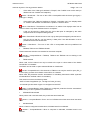
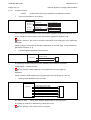
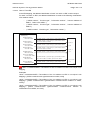
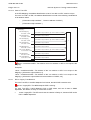
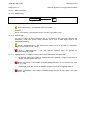
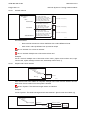
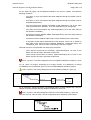
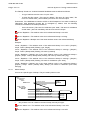
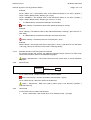
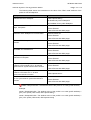
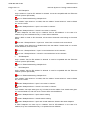
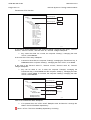
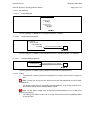
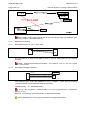
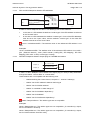
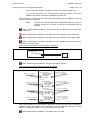
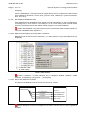
The system displays check traces in the following table of the Traces panel ("Checks" tab):
CHECK RESULT TABLE
Table rows:
−
Each row corresponds to one check operation whose result is an error or a warning or
information.
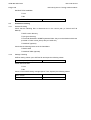
Table columns:
−
First column:
The user can check On/Off this column to remember which error/warning he tried to
correct.
−
Level:
Icon of error, warning or info.
−
Code:
Identifier of the error, warning or info message. Each code and its level are defined
below.
−
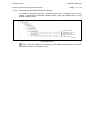
Type:
Identifier of the check operation.
Example: "CircuitBreaker" is a check consisting in verifying the configuration of a
Circuit breaker (missing datapoints, … ).