1
Stock
4.6
67
StockTake
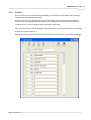
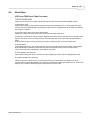
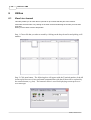
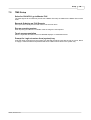
ICRTouch TMS Stock Take Procedure
--------------------------------1) Print stock take sheets.
These can be found in the reporter generator and can have all the usual filters applied to them.
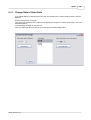
2) Start Stock Take.
This freezes the stock. At this point collections from the tills, deliveries etc no longer affect the stock
counter, they are instead stored in a temporary buffer where the adjustments will be held until after the
stock take is complete.
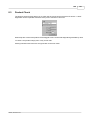
3) Count the stock, filling in the stock take sheets.
Ideally this needs to be done at the same time as the freezing of the stock.
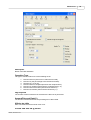
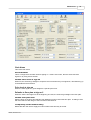
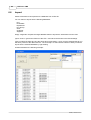
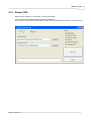
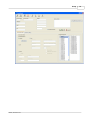
4) Enter the counted stock into the system. Multiple stock takes can be entered, but you should ensure
that only one stock count is entered for each item otherwise the count of the last one entered will be
taken.
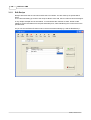
A stock variance report can be printed at any time by using print key on the stock take form.
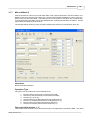
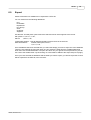
5) Update Stock
This updates the stock in the system with the stock counts entered into the stock take. It then applies
all the adjustments (collections, deliveries etc) that have happened since the stock was frozen.
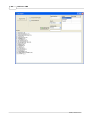
There are 2 methods of updating the stock after a stock take;
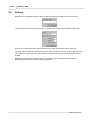
a) A full update of the stock file
This involves setting ALL stock counts to zero then applying the stock take and adjustments to file
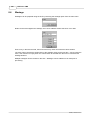
b) A partial update of the stock file
This only zeroes the stock counts on the items entered in the stock take, then applies the stock
counted values and the file adjustments. Running a partial stock take would mean that you could stock
take say only 10 items without having any affect on the rest of the file.
©2007, ICRTouch LLP