1
Summit Event Manager - Pro
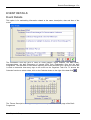
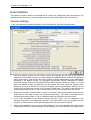
Event Documents
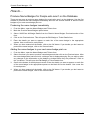
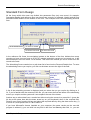
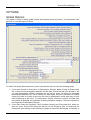
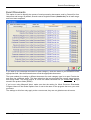
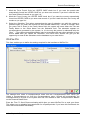
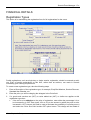
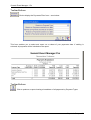
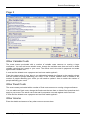
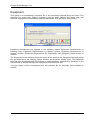
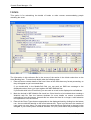
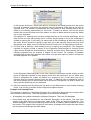
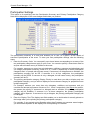
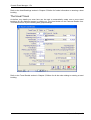
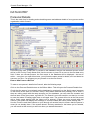
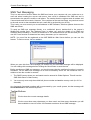
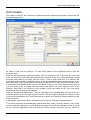
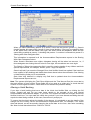
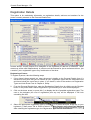
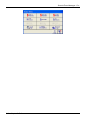
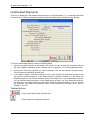
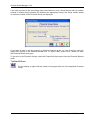
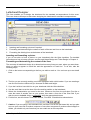
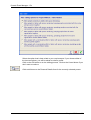
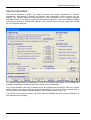
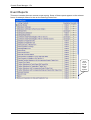
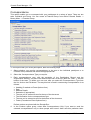
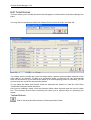
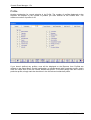
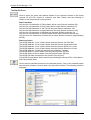
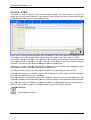
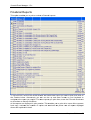
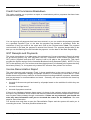
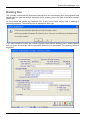
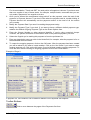
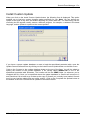
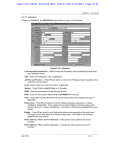
This option is used to identify the names of word processing documents used by Summit for form
letters and mail merge. By default, Summit uses a single document (formltr.doc) for all mail merge
and form letter templates.
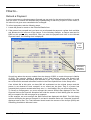
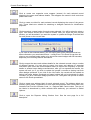
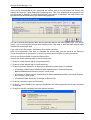
If you wish to use a different document for each category, insert the name of your document in the
appropriate field. Use the Browse button to find the appropriate document.
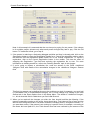
The best method for creating a different document for each category type is to open Formltr.doc
and Save As a different name. This then takes into the new document the correct merge source
and merge fields. The merge source is a text file called summitmm.txt (for Summit Mail Merge)
stored in the product folder (SEMP).
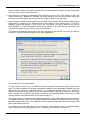
If you’re not using Microsoft Word, make sure that the setting for Word Processor Executable
Program Name on the Global Options form is set to the name of the program that runs your word
processor.
The settings on this form only apply to the current event, they are not global across all events.
108 - Chapter 4: Setup