1
LG7_bk0.book Page 74
5
Tuesday, December 28, 2010
6:15 PM
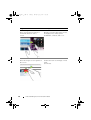
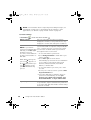
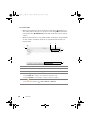
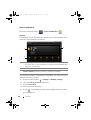
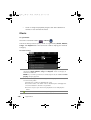
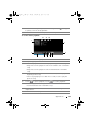
View the most popular trending topics at the moment.
• Touch the Current, Daily, and Weekly tabs to view the lists of current,
daily, and weekly trending topics.
• Touch a trending topic to view the tweets related to that topic.
6
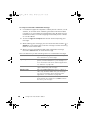
• Touch to search for tweets about a desired topic, or tweets sent by
authors around your location.
–To search for tweets about a topic, type the topic or keyword into
the Search Tweets text box and then touch
.
–To search for tweets around your location, touch or drag
to
turn Location on and then touch
to display available tweets
around.
• Touch to find people who use Twitter.
–Touch
. From the pop-up menu, touch
Search people text box, and then touch
7
. Type a name in the
.
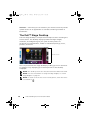
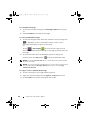
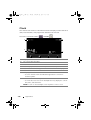
Touch to view your profile and the tweets you posted. To post your
profile picture onto Twitter, touch the Menu button
→ Change
profile photo, and then select a desired picture from Gallery.
8
Touch to read the tweets forwarded by you or by the people you follow.
9
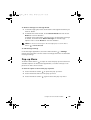
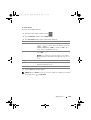
Organize users you follow into listed groups. To create a list:
1 Touch
or the Menu button
→ Create list.
2 Give the list a name and description.
3 Choose to make the list public (everyone can see it) or private (only
you can see it).
4 Touch the Create list button to create the list.
74
Internet