1
LG7_bk0.book Page 69
Tuesday, December 28, 2010
6:15 PM
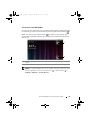
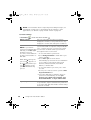
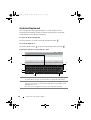
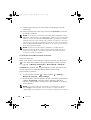
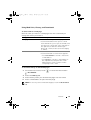
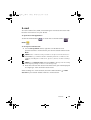
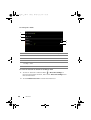
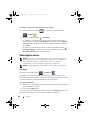
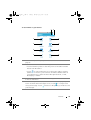
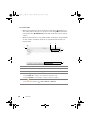
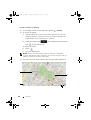
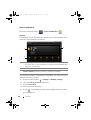
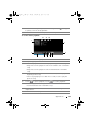
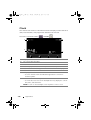
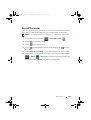
To use Facebook on your device
Once logged in, you can touch the Back button
Facebook main page.
4
5
to go to your
6
3
7
2
8
9
1
10
11
12
13
1
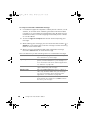
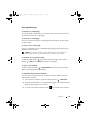
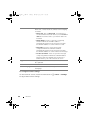
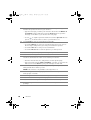
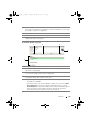
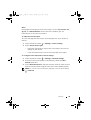
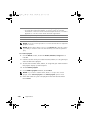
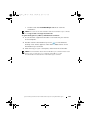
Touch Events to view the events associated with your friends, such as
their birthdays.
2
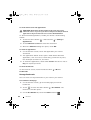
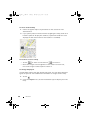
Touch Messages to view messages sent between you and your friends.
Touch the desired message to read it.
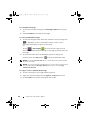
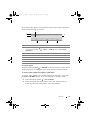
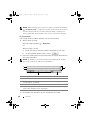
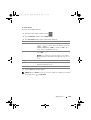
• To delete a message, touch the check box next to the message and
then touch the Delete button.
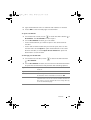
• To reply to the message, type your reply into the text box at the
bottom and then touch the Send button.
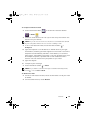
• To compose a new message, touch the
Menu button
button, or touch the
→ Compose.
Internet
69