1
About Your Projector
Setting projector ID number
to remote control
Preparation
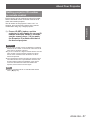
Each projector can be assigned a unique ID number,
and the handheld remote’ s number must be set to
match the intended projector.
The ID number of the projector is set to “ALL” on
shipping, and use the ID ALL button of the remote
control when using only a single projector.
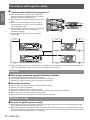
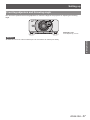
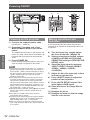
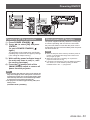
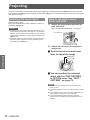
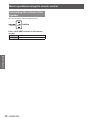
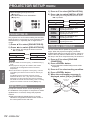
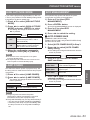
1111 Press <ID SET> button, and the
projector (s) will display it’s current ID
number onscreen. Within 5 seconds,
use the numeric keys (1-6) to match
the Remote’s ID number with that of
the desired projector.
Attention
zz Do not press <ID SET> button accidentally or carelessly
because the ID number on the remote control can be set
even when no projector is around.
zz If you do not enter the 1 digit ID number within 5 seconds
after <ID SET> button has been pressed, the ID will
remain at the number that was set before <ID SET>
button was pressed.
zz Your specified ID number is stored in the remote control
unit unless another one is specified later. However, the
stored ID will be erased if the batteries of the remote
control are left exhausted. When the batteries are
replaced, set the same ID number again.
Note
zz Refer to “PROJECTOR ID” of “PROJECTOR SETUP
menu” (Æpage 62).
ENGLISH - 21