1
Airdata 150 mini USB 11n Wireless Adapter
4.7.1 WPS Setup - PBC (Push-Button Configuration)
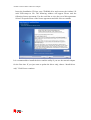
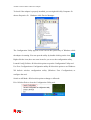
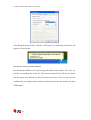
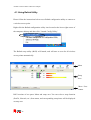
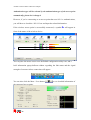
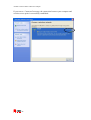
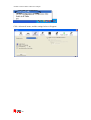
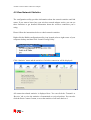
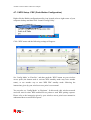
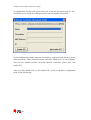
Right-click the Ralink configuration utility icon located at lower-right corner of your
computer desktop and then click ‘Launch Config Utility’.
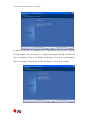
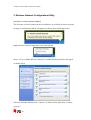
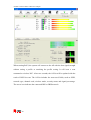
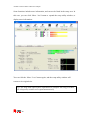
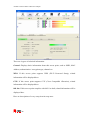
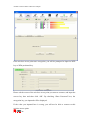
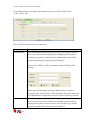
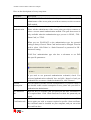
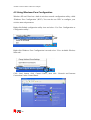
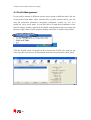
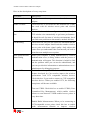
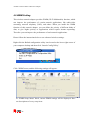
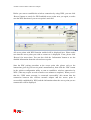
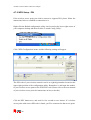
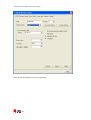
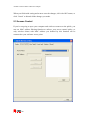
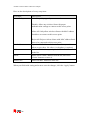
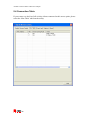
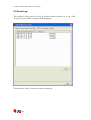
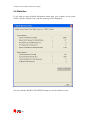
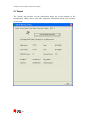
Click ‘WPS’ menu and the following settings will appear.
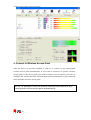
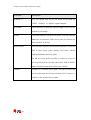
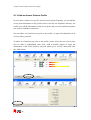
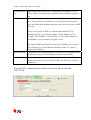
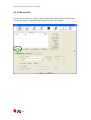
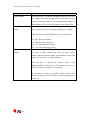
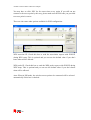
Set ‘Config Mode’ to ‘Enrollee’, and then push the ‘WPS’ button on your wireless
access point (the button used to activate WPS standby mode may have another
name), or use another way to start WPS PBC standby mode following the
instructions given by your wireless access point’s user manual.
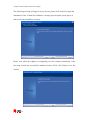
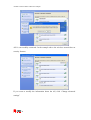
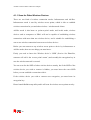
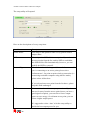
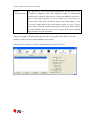
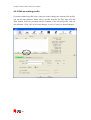
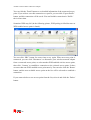
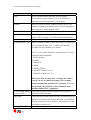
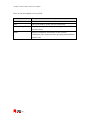
You can also set ‘Config Mode’ to ‘Registrar’. In this mode, this wireless network
card will wait for other WPS-enabled access points to send WPS pairing requests.
Please refer to the instruction given by your wireless access point’s user manual to
understand how to send WPS requests.
50