1
SNOM 820 MANUAL V.8
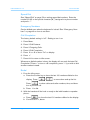
CONFIGURING THE FUNCTION KEYS
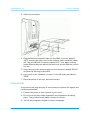
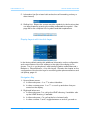
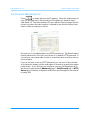
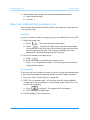
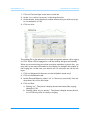
1. Click on Function Keys in the menu on the left.
2. Under TYPE, select EXTENSION in the drop-down list.
3. Under NUMBER, enter the phone number whose calls you wish to pick up.
In our example it is 158.
4. Click on SAVE.
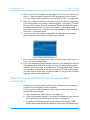
The softkey P4 on the phone will now flash red quickly when a call is ringing
on 158. When 158 is engaged in a call the softkey will glow red steadily.
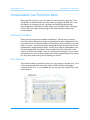
When you are monitoring more than one other extension or phone line, you
may want to see more informationon the display, for example the number of
the ringing line. In this case, you need to turn on a function we call line info
layer.
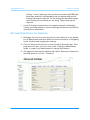
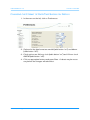
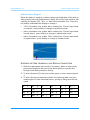
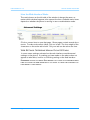
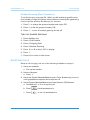
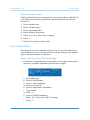
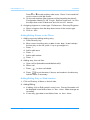
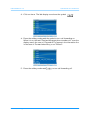
1. Click on Advanced in the menu on the left (admin mode only).
2. Click on the Behavior tab.
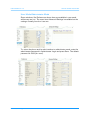
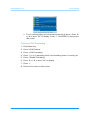
3. Under General Behavior, select “on” or “show only on activity” from the
drop-down list of Line Info Layer.
4. Click on Save.
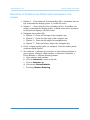
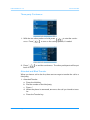
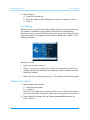
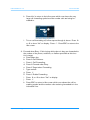
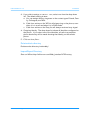
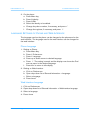
a. Setting “on”: The phone’s display shows the status (idle, ringing,
talking) of 158.
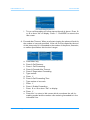
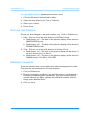
b. Setting “show only on activity”: The phone’s display shows the status of 158 only when it is busy or ringing.
© snom technology AG 2008
42