1
SNOM 820 MANUAL V.8
GETTING TO KNOW YOUR PHONE
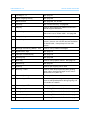
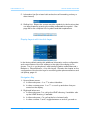
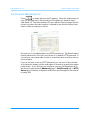
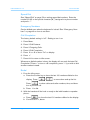
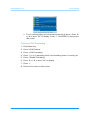
5. Information line (for missed calls and active call forwarding on busy or
after timeout)
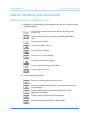
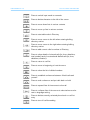
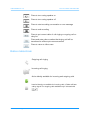
6. Softkey line: Shows the context-sensitive symbols for the functions that
can be activated by pressing the softkey underneath the symbol . See
page 23 for the complete list of symbols and their explanations.
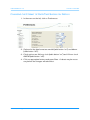
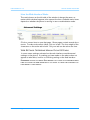
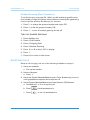
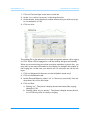
Display Layout with Line Info Layer
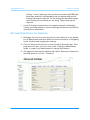
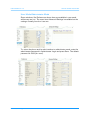
In the factory default setting this additional information on the configuration
and current status of the four softkeys to the right of the display is not
shown. Turn it on on the phone’s web interface (admin mode Advanced >
Behavior > Phone Behavior > Line Info Layer). See also the chapter on the
configuration of the function keys for monitoring other phone extensions and
call pickup, page 41.
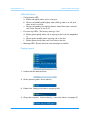
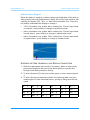
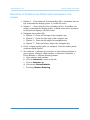
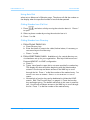
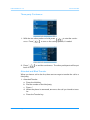
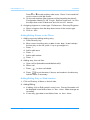
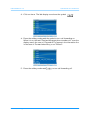
Navigation Key
1. Up and down arrows.
a. In idle mode press U or V to select identities.
b. In other contexts press U or V to scroll up and down lists presented on the display.
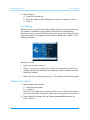
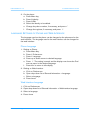
2. Right and left arrows.
a. In idle mode press Zto call up the LDAP directory, if available. calls
up the LDAP directory, if available.
b. In idle mode press Y to call up the list of missed calls.
c. In other contexts Y and Ztoggle between on and off, yes and no.
© snom technology AG 2008
14