1
SNOM 820 MANUAL V.8
USING THE PHONE
Three-party Conference
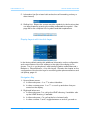
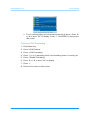
1. With the two other parties on hold, press
ence. Press
to start the confer-
to turn on the casing speaker, if needed.
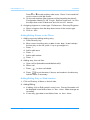
2. Press
to end the conference. The other participants will be put
back on hold.
Attended and Blind Transfer
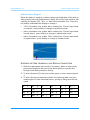
When you have a call on the line, there are two ways to transfer the call to a
third party.
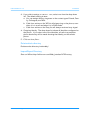
1. Attended Transfer.
a. Press the Hold key.
b. Dial the number of the third party.
c. Press 3.
d. When the phone is answered, announce the call you intend to transfer.
e. Press the Transfer key.
© snom technology AG 2008
31