1
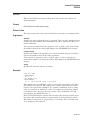
HELP
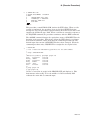
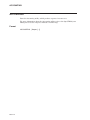
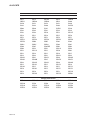
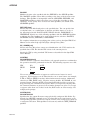
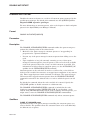
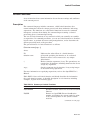
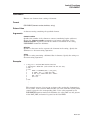
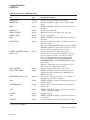
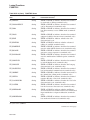
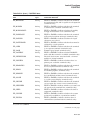
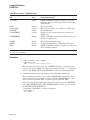
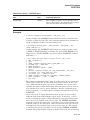
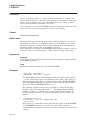
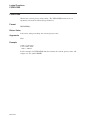
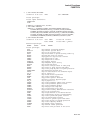
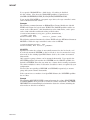
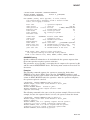
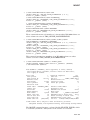
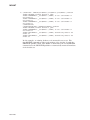
To use the Help facility on OpenVMS in its simplest form, enter the HELP
command from your terminal. The Help facility displays a list of topics at your
terminal and the prompt Topic?. To see information on one of the topics, type the
topic name after the prompt. The system displays information on that topic.
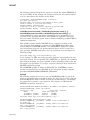
If the topic has subtopics, the HELP command lists the subtopics and displays
the Subtopic? prompt. To get information on one of the subtopics, type the name
after the prompt. To see information on another topic, press Return. You can now
ask for information on another topic when the Help facility displays the Topic?
prompt. Press Return to exit the Help facility and return to DCL command level.
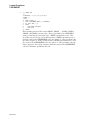
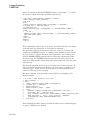
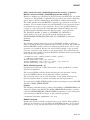
If you use an asterisk ( * ) in place of any keyword, the HELP command displays
all information available at the level that the asterisk replaces. For example,
HELP COPY * displays all the subtopics under the topic COPY.
If you use an ellipsis ( . . . ) immediately after any primary keyword, the Help
facility displays all the information on the specified topic and all subtopics of that
topic. For example, HELP COPY . . . displays information on the COPY topic as
well as information on all the subtopics under COPY. The ellipsis can only be
used from the topic level; it cannot be used from the subtopic level.
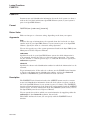
The asterisk (*) and the percent sign (%) wildcard characters are allowed in the
keyword.
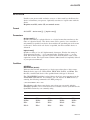
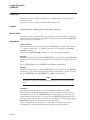
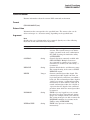
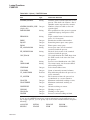
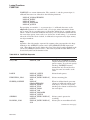
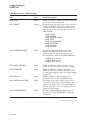
Qualifiers
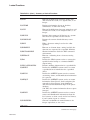
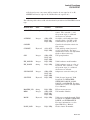
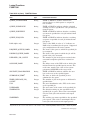
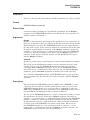
/EXACT
Use with the /PAGE=SAVE and /SEARCH qualifiers to specify a search string
that must match the search string exactly and must be enclosed with quotation
marks ( ‘‘ ’’ ).
If you specify the /EXACT qualifier without the /SEARCH qualifier, exact search
mode is enabled when you set the search string with the Find (E1) key.
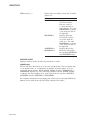
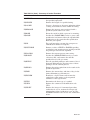
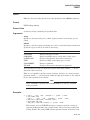
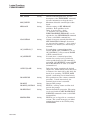
/HIGHLIGHT[=keyword]
Use with the /PAGE=SAVE and /SEARCH qualifiers to specify the type of
highlighting you want when a search string is found. When a string is found, the
entire line is highlighted. You can use the following keywords: BOLD, BLINK,
REVERSE, and UNDERLINE. BOLD is the default highlighting.
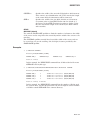
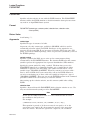
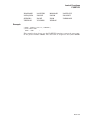
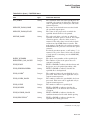
/INSTRUCTIONS (default)
/NOINSTRUCTIONS
Displays an explanation of the HELP command along with the list of topics (if no
topic is specified). By default, the HELP command display includes a description
of the facility and the format, along with the list of topics. If you specify the
/NOINSTRUCTIONS qualifier, only the list of topics is displayed.
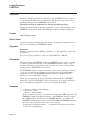
/LIBLIST (default)
/NOLIBLIST
Displays any auxiliary help libraries.
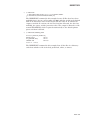
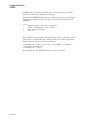
/LIBRARY=filespec
/NOLIBRARY
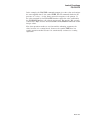
Uses an alternate help library instead of the default system library,
SYS$HELP:HELPLIB.HLB. The specified library is used as the main (root)
help library, and is searched for Help facility information before any user-defined
default help libraries are checked.
DCLI–254