VH GigE series
3.
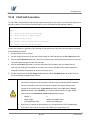
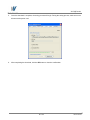
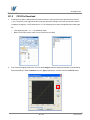
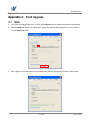
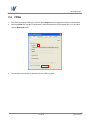
Search and select the created LUT file and click the Open button.
4.
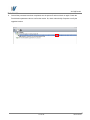
Click the Download button. After completing the download, click the OK button to close the confirmation.
100 of 105
RA14-131-018