1
5. Provider Management Module
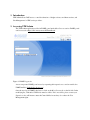
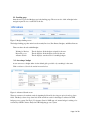
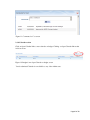
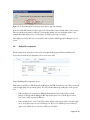
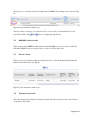
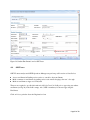
Click on the Miscellaneous tab and Select Provider Management from the drop down menu of Select an
Activity field. (See Fig 38) This module can be updated by OECE Operations Managers.
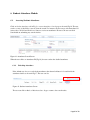
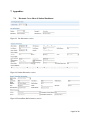
Figure 35: Provider Management screen
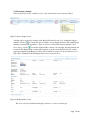
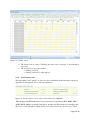
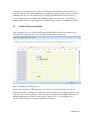
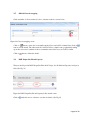
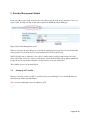
The user can access Provider Management module by entering fiscal year in Fiscal Year field and either
vendor name in Vendor Name field or vendor number in Tax # field. (See Fig 38)
The Tax # field is auto-populated if a user selects a vendor name from the prompted values in Vendor
Name field. Click on Search to retrieve search details. Vendor Name field has auto-populate, which will
prompt the user for any database matches once the user keys in at least 4 characters.
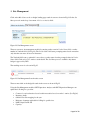
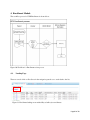
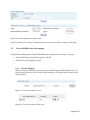
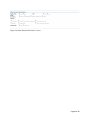
The resulting screen is as shown in Fig 39.
5.1.
Setting up ACS vendor
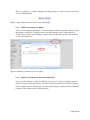
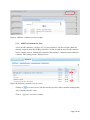
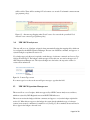
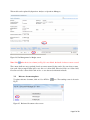
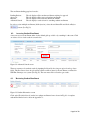
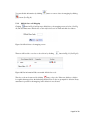
The user can set up a vendor as ACS for specific fiscal year by clicking Yes for Is ACS field and Active
field. Select the values and click Submit.
Note: A vendor with budget cannot be marked as ACS.
Page23 of 28