1
Information Services Corporation
Transaction Level Validations
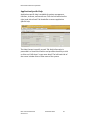
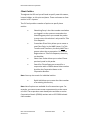
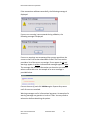
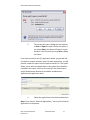
Transaction level validations are performed when Validate is
clicked on one of the Transaction tabs. The system goes through a
series of checks to ensure that all the information entered in the
transaction is correct. When the validation is completed the
system displays a message box indicating whether or not any
errors or warnings were encountered during validation.
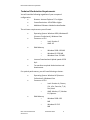
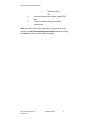
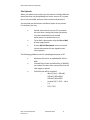
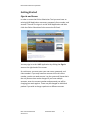
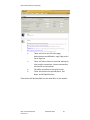
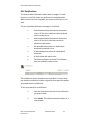
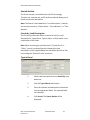
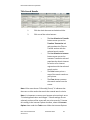
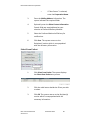
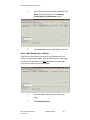
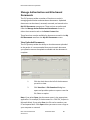
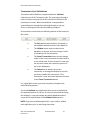
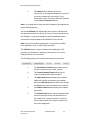
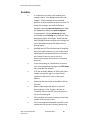
All transaction screens have the following buttons at the bottom of
the screen:
•
•
•
•
The Save button saves the data, as entered, to
the database without business rule validations.
The Validate button saves the data to the
database, as entered, and runs through a series
of validations for the transaction.
The Cancel Transaction button cancels changes
made on the screen and reverts the data back to
its last saved state. If the transaction is new and
has not been saved, the transaction portion of
the screen disappears.
The Delete button deletes the current
transaction. A message box displays to confirm
you want to delete the transaction. If the
transaction is new, the button behaves the same
as the Cancel Transaction button.
It is a good idea to save your work frequently throughout the
packet building process.
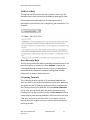
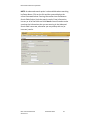
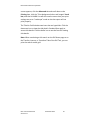
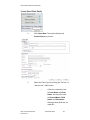
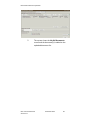
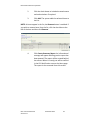
You should Validate your application when you are satisfied that
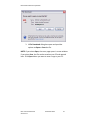
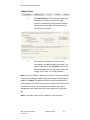
all required elements are correct. If errors are encountered during
the validation, a pop-up message box will be displayed and the
screen will be repositioned to the Validation Errors section.
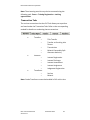
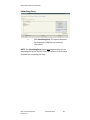
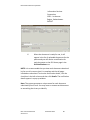
NOTE: If you have multiple applications in your packet, validate
each application prior to submitting the packet.
OLS: Common Elements
Version 3.0
December 2012
70