1
Information Services Corporation
Online Help
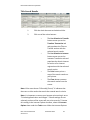
There are four ways you can get help within the OLS tool:
•
•
•
•
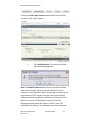
General Help which is available by clicking the
Help link at the top of every page.
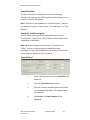
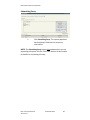
Transaction Specific Help which will take you to
a contextually specific area within the help files
based on the page you are on at the time.
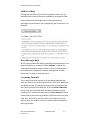
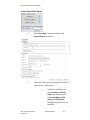
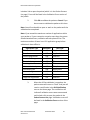
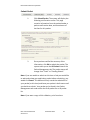
Field Level Help which can be accessed by
clicking on the question mark icon to find out
more information on a particular field or task
button.
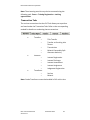
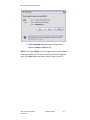
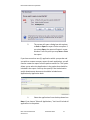
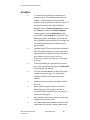
Error messages that will be returned to you
after clicking Validate or Submit if you have
provided data that is either inaccurate or that
does not exist in the database.
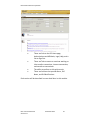
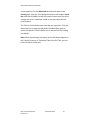
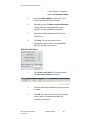
OLS General Help
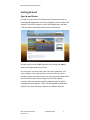
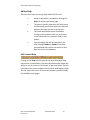
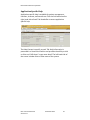
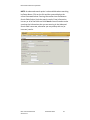
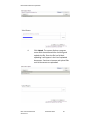
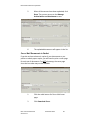
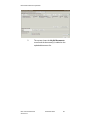
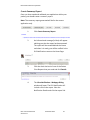
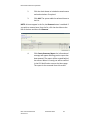
Clicking on the Help link will open the top level Help page. Help
information is presented in a hierarchical fashion and provides the
ability to click on links and “drill down” to get more detail. The lefthand side of the screen includes links for other Land Registry areas.
The top right-hand corner of the screen includes a printer-friendly
link to Print current pages.
OLS: Common Elements
Version 3.0
December 2012
15