1
LaCie Ethernet Disk mini Home Edition
User Manual
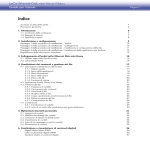
page Table of Contents
Health and Safety Precautions
General Use Precautions
4
4
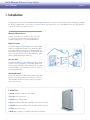
1. Introduction
I want to:
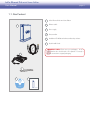
1.1. Box Content
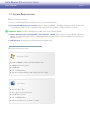
1.2. System Requirements
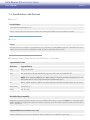
1.3. Specifications and Services
5
5
6
7
8
9
2. Installation and Setup
Setup Step 1 – Verify10
Setup Step 2 – Connect10
Setup Step 3 – Install and Configure Device11
Setup Step 4 – Install Desktop Applications13
Record Important Information13
3. Connecting to Your Ethernet Disk mini Home
14
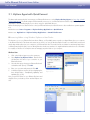
3.1. HipServ Agent with QuickConnect15
3.2. LaCie Media Portal16
4. Sharing Your Content and Managing Files
17
4.1. About the Browser Interface17
4.1.1. Welcome Home Page17
4.1.2. Application Bar18
4.1.3. Location Bar18
4.1.4. Action Bar19
4.1.5. File List
20
4.1.6. Search
20
4.2. Family Library and My Library
21
4.3. Managing Files
22
4.3.1. Creating Folders
22
4.3.2. Uploading Content
23
4.3.3. Downloading Files
24
4.3.4. Editing Files and Photos
25
4.3.5. Copying, Moving or Deleting Files
26
4.3.6. Renaming Files
27
4.3.7. Zip Files
28
4.4. Sharing
29
4.4.1. Sharing Folders
29
4.4.2. Sending Sharing Invitation Email
30
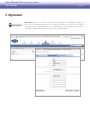
5. MyContacts
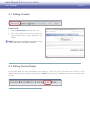
5.1. Adding Contacts
5.2. Editing Contact Details
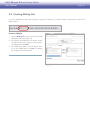
5.3. Creating Mailing Lists
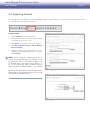
5.4. Importing Contacts
5.5. Sending Email to Contacts
5.6. Deleting Contacts
31
32
32
33
34
35
35
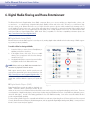
6. Digital Media Sharing and Home Entertainment
Digital Media Server (DMS)
Digital Media Players (DMP)
36
36
36