1
LaCie Ethernet Disk mini Home Edition
User Manual
page 61
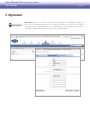
Step 4 – Manual Configuration
.
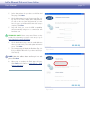
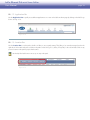
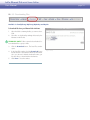
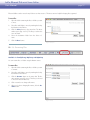
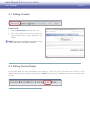
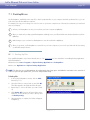
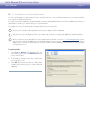
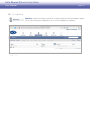
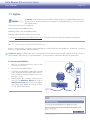
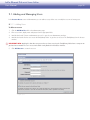
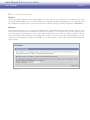
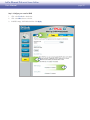
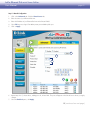
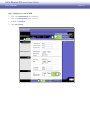
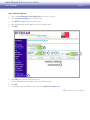
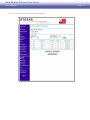
Click on the Advanced tab. Click the Virtual Server tab.
2.
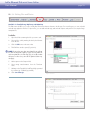
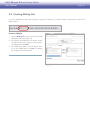
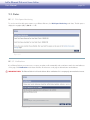
Enter the name of your Ethernet Disk mini.
3.
Enter the IP Address of your Ethernet Disk mini in the Private IP field.
4.
Select TCP as protocol type. Enter 80 in private port and 80 in public port.
5.
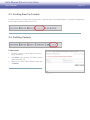
Click on Apply.
1
2
3
4
5
6.
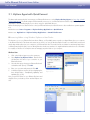
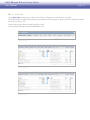
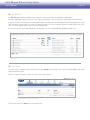
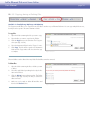
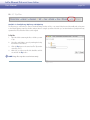
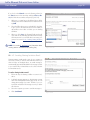
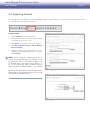
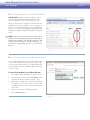
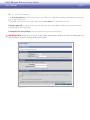
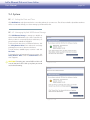
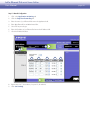
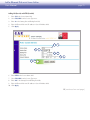
Repeat steps 2 to 5, shown above, adding ports 21, 22 and 443. The ports will appear in the Virtual Servers List as you apply
changes.
7.
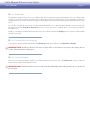
Select the Enabled option, click Apply.
■ (continued on next page)