1
www.IrPDF.com
CSiDETAILER User’s Manual
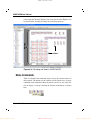
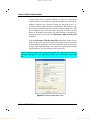
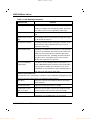
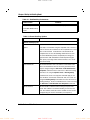
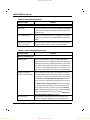
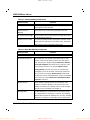
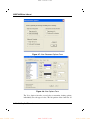
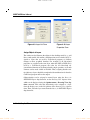
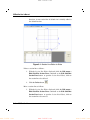
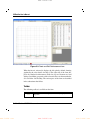
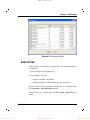
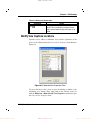
Figure 4-9 Layer List Form
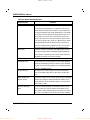
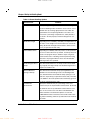
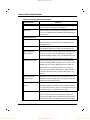
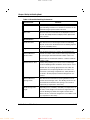
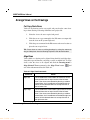
Figure 4-10 Layer
Properties Form
Assign Objects to Layers
The entities used to illustrate the objects in the detailing model (e.g., grid
lines, north symbol, slab outline, slab dimensions and so forth) can be assigned to layers that are used by CAD-based programs to facilitate
changes to those graphical elements. For example, if all slab-related
properties are assigned to the same layer, when the .DXF or DWG file is
used by a CAD-based program, the color for all slab-related objects/entities/elements can be changed with a single operation, or all such
elements can be made visible or invisible. Thus, assigning detailer entities/objects to layers should be completed with consideration for how the
CAD-based program will use the output.
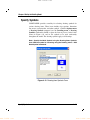
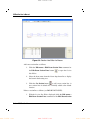
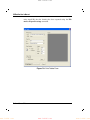
Objects/entities can be assigned to named layers using the Layer for
DXF/DWG Export drop-down list on the Drawing View Options form,
which can be displayed using the Options menu > Drawing View Options command. First select the object/entity to be assigned to a layer
from the display area on the left portion of the Drawing View Options
form. Then select the layer name from the Layer for DXF/DWG Export
drop-down list.
4 - 22
www.IrPDF.com
Set Graphical Elements
www.IrPDF.com
www.IrPDF.com