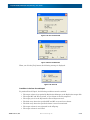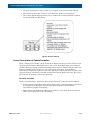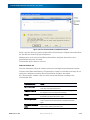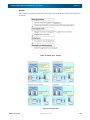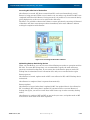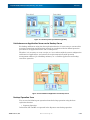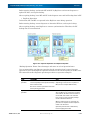
1
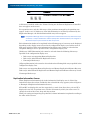
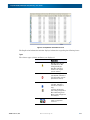
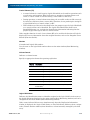
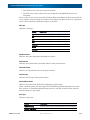
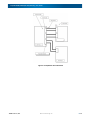
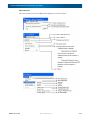
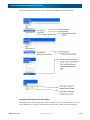
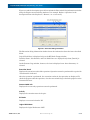
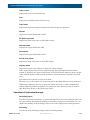
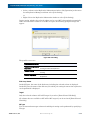
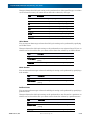
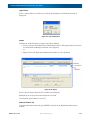
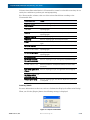
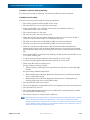
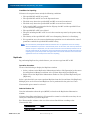
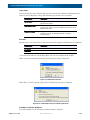
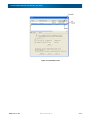
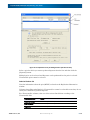
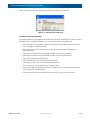
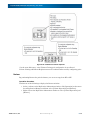
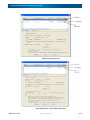
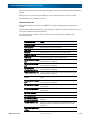
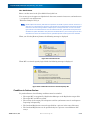
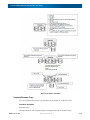
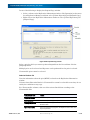
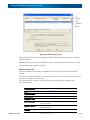
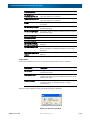
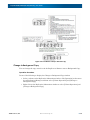
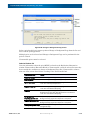
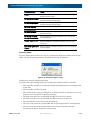
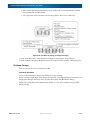
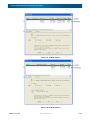
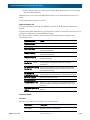
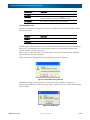
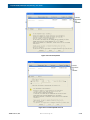
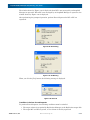
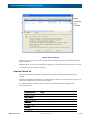
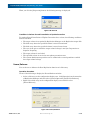
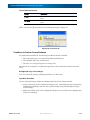
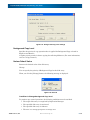
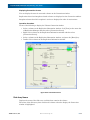
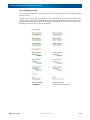
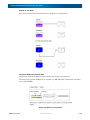
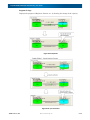
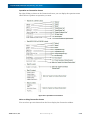
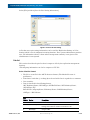
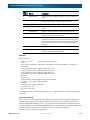
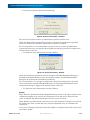
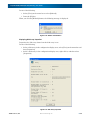
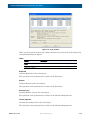
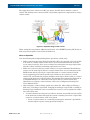
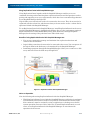
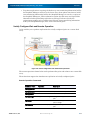
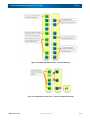
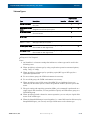
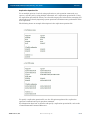
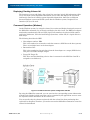
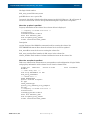
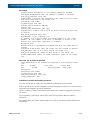
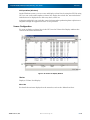
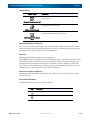
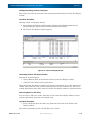
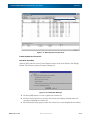
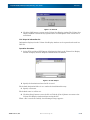
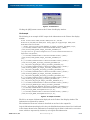
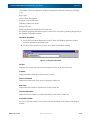
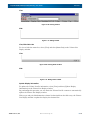
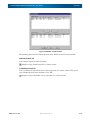
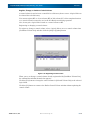
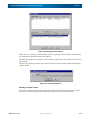
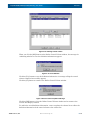
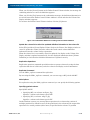
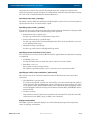
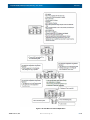
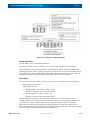
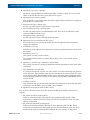
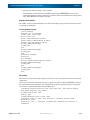
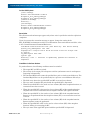
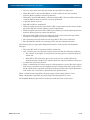
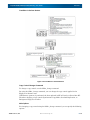
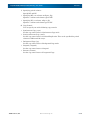
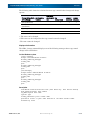
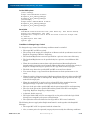
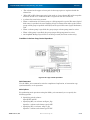
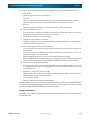
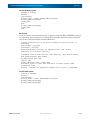
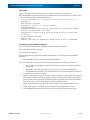
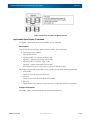
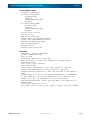
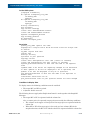
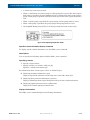
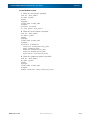
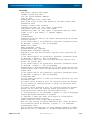
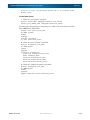
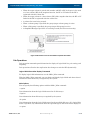
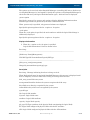
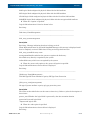
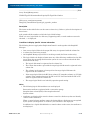
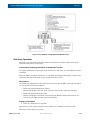
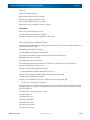
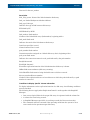
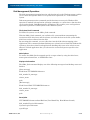
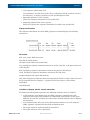
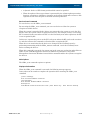
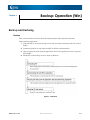
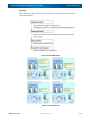
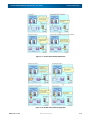
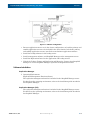
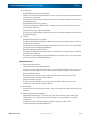
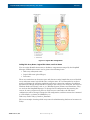
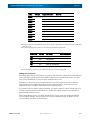
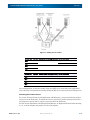
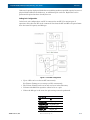
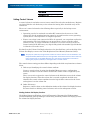
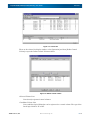
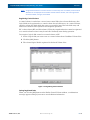
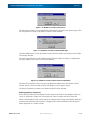
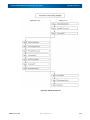
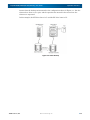
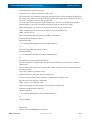
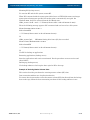
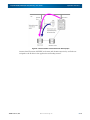
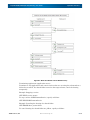
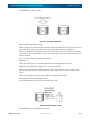
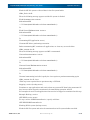
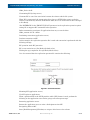
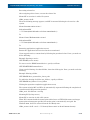
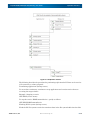
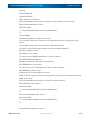
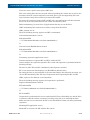
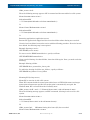
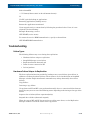
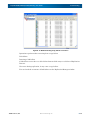
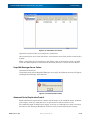
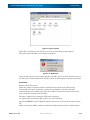
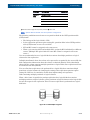
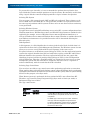
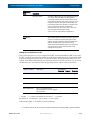
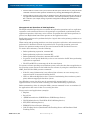
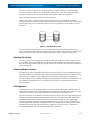
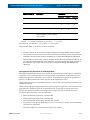
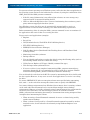
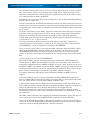
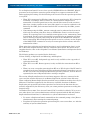
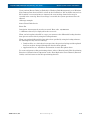
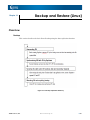
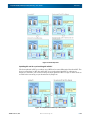
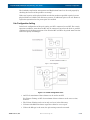
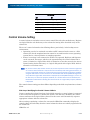
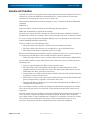
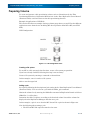
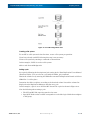
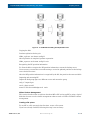
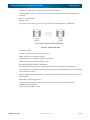
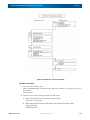
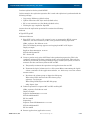
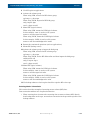
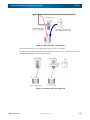
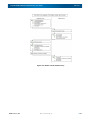
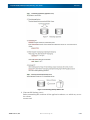
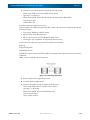
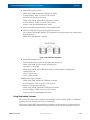
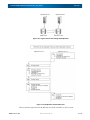
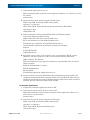
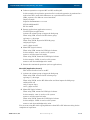
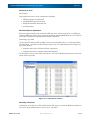
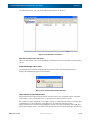
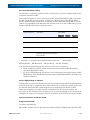
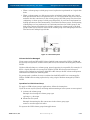
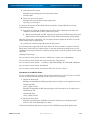
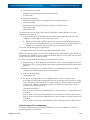
SnapSAN S3000/S5000 Replication/Mirroring User Guide Overview Figure 5-26: Deleting Control Volume When you click the [OK] button on the Define Control Volume window, the message for confirming whether to save the definition information appears. Figure 5-27: Save Definition Click the [Yes] button to save the definition information. A message telling the control volume completed successfully appears. Click the [No] button to return to the Define Control Volume window. Figure 5-28: Successful Completion Message Click the [OK] button to close the Define Control Volume window and to return to the Volume List Display window. To enable the saved definition information, create or update the volume list to reflect the definition information of the control volume to the volume list. 10400412-002 11/2012 ©2012 Overland Storage, Inc. 5-39