1
SnapSAN S3000/S5000 Replication/Mirroring User Guide
Troubleshooting
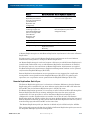
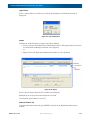
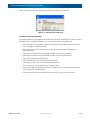
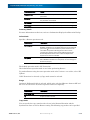
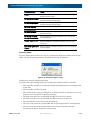
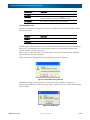
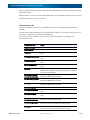
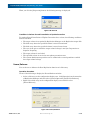
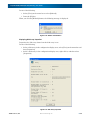
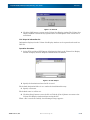
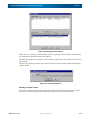
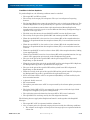
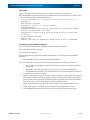
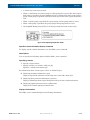
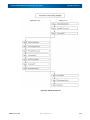
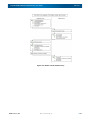
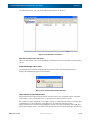
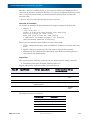
After completion of CHKDSK, execute iSMrc_umount again.
If the command still terminates abnormally after this process, go to the next step.
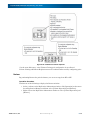
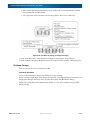
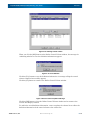
Restarting backup server
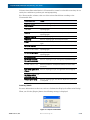
If CHKDSK/F/X has failed, restart the backup server.
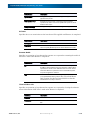
Abnormal end of iSMrc_restore command
A drive letter of MV or MV mounting in an NTFS folder will remain canceled in the following
cases:
A server has failed while controlling unmounting of MV that is performed at the start of
restoring, or resetting of the drive letter or remounting in the NTFS folder has failed for
some reason.
If resetting of an MV drive letter or MV mounting in an NTFS folder has failed, the
iSMrc_restore command will report either of the following messages:
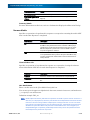
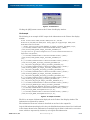
iSM13634: Failed to set drive letter. (drive letter:)
iSM13634: Failed to set mount point. (NTFS folder path name)
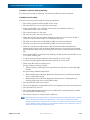
In this case, recovery (for example, resetting of the drive letter or remounting in the NTFS
folder) is necessary for restarting operation. The following describes the recovery procedure:
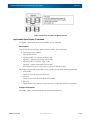
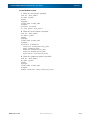
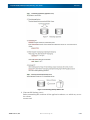
Collecting volume information
If an application server has failed, restart it.
When RV is connected to the server, restart the server.
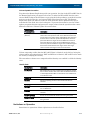
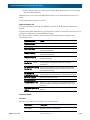
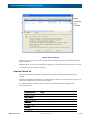
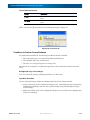
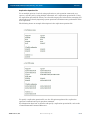
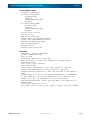
Collect the volume information (drive letter and mount point volume name) of the MV to be
restored. Before collecting the MV volume information, confirm the following message
reported to the event log or the execution result of the batch file:
iSM13224: MV is restored.
Volume Name: mount point volume name
Mount Point: drive letter or NTFS folder path name
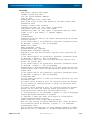
Resetting the drive letter and remounting MV into the NTFS folder
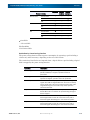
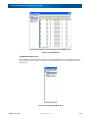
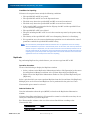
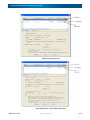
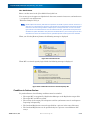
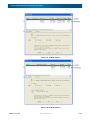
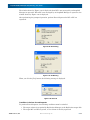
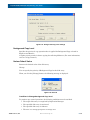
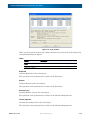
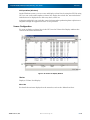
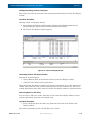
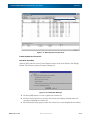
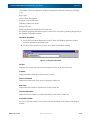
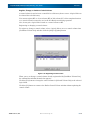
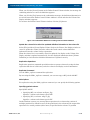
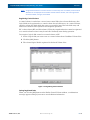
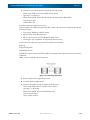
Start [Disk Management]. According to the collected MV volume information (drive letter
and mount point volume name), operate the volume with [Change Drive Letter and Path] to
set the drive letter and mount the MV with the NTFS folder path name specified.
You can also use the MOUNTVOL command through the command prompt to set a drive
letter and mount MV in an NTFS folder.
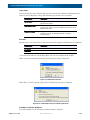
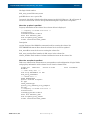
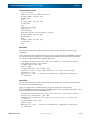
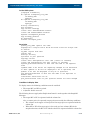
Example of setting a drive letter
To set the drive letter H for the volume under the mount point volume name
"\\?\Volume{37d84cca-2507-11d5-a0f7-00004c714491}\", specify as shown below.
MOUNTVOL H: \\?\Volume{37d84cca-2507-11d5-a0f7-00004c714491}\
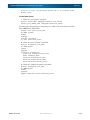
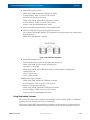
Repairing the file system
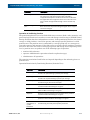
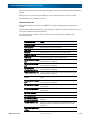
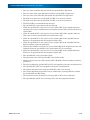
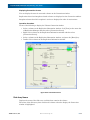
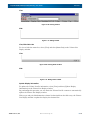
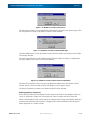
The file system may contain inconsistent data. Execute CHKDSK /F to repair the file
system.
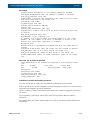
Example of executing CHKDSK
Omit the "\" at the end of a mount point volume name when specifying it with CHKDSK.
CHKDSK \\?\Volume{37d84cca-2507-11d5-a0f7-00004c714491} /F
10400412-002 11/2012
©2012 Overland Storage, Inc.
8-32