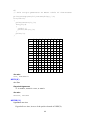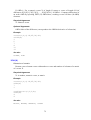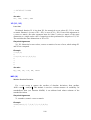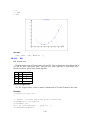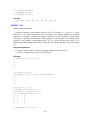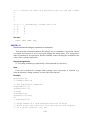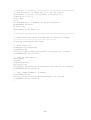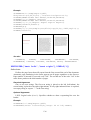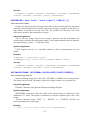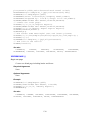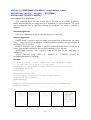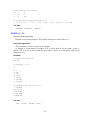
1
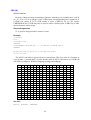
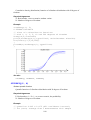
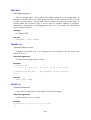
12
15
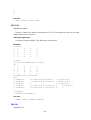
13
16
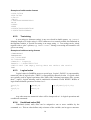
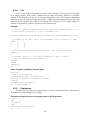
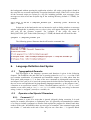
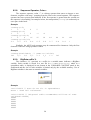
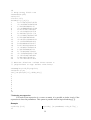
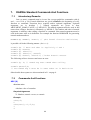
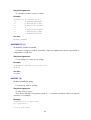
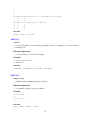
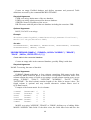
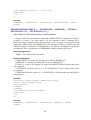
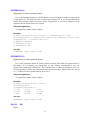
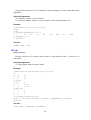
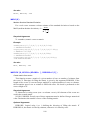
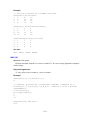
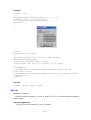
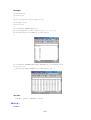
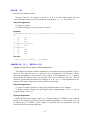
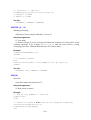
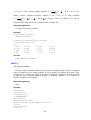
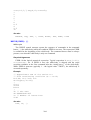
>round(transp(normalr(10)),2)
0.34 0.25 -1.61 -0.23 0.4
0.76 0.45 -0.15 0.11 -0.13
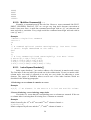
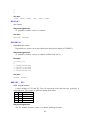
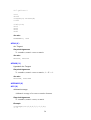
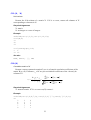
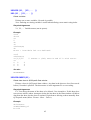
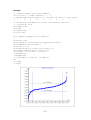
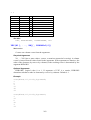
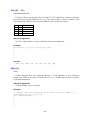
>"A"+(1:3)
"A1"
"A2"
"A3"
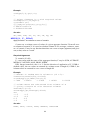
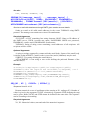
>A[2,3]
36
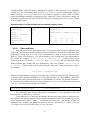
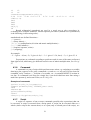
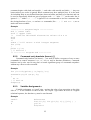
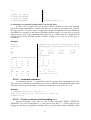
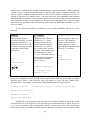
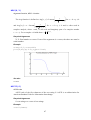
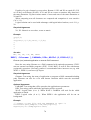
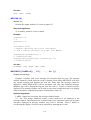
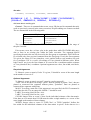
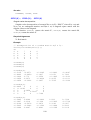
Round arithmetical parenthesis are used in a usual way to alter precedence in
evaluating more complex arithmetic. Default operator precedence (without use of parentheses)
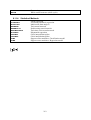
is the following (in decreasing order):
standard and user-defined functions >
„^“ (power) >
„–“ (unary minus) >
„*“, „/“, „#“ (multiplication, division and matrix multiplication) >
„+“, „–“ (add, subtract) >
„:“ (sequence operator, colon) >
„=“ (assigning),
for example:
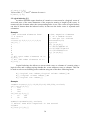
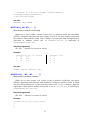
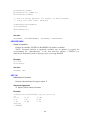
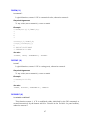
– 2 ^ 2 gives – 4, but (–2) ^ 2 gives 4. Or, 1 : 3 + 1 gives 1 2 3 4, but (1 : 3) + 1 gives 2 3 4.
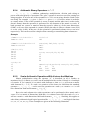
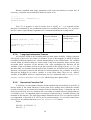
Expressions are evaluated according to preference and (in case of the same preference)
from right to left, which may give different result in case of matrix multiplication, see 6.2.6, p.
27.
4.3.6.
Command
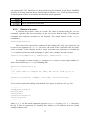
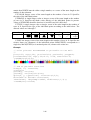
A command is a part of script which performs some action, e.g. assigning to a variable,
drawing a plot, export to a file, print, commands FOR and WHILE, any part of script closed in
command “curly” brackets {}, deletion of a variable, etc. A command MUST be written in
one line. If a command is too long for a single line, it can be divided into more lines using a
multi-line operator @ and a semi-colon, see 6.2.10, p. 29.
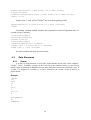
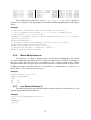
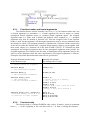
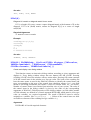
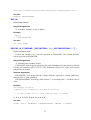
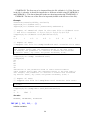
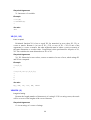
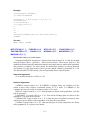
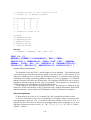
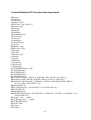
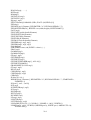
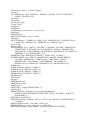
Examples of commands
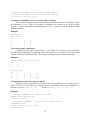
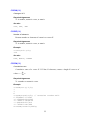
>print(ln(10),\t,log(exp(1)))
>export(normalr(100),"random_data.txt")
>A=5
>delete(B)
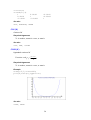
>plot(normalr(1000))
>x=x+1
>for(i=1,10){print(rnd(1),\n)}
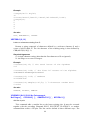
4.3.7.
Script
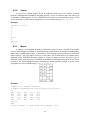
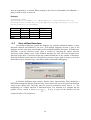
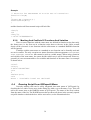
A script is a sequence of one or more commands (possibly also expressions) that can
be executed. A script is executed from a Script panel. A script can be executed either as a
whole (whole script in the current sheet) or as a part (only a selected part of the script), see
21