1
May 2002
Gas Calibration?
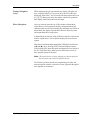
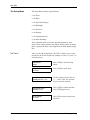
The “Gas Calibration?” submenu enables you to enter data from the
transmitter calibration sheet. Depending on the selection made in the
“Select Compensation?” submenu, the display will present
appropriate prompts for none, pressure, or background compensation.
Refer to the following sections, depending on the type of
compensation you have selected:
•
•
•
None — see below.
Pressure — refer to page 4-26.
Background — refer to page 4-27.
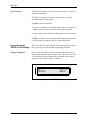
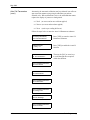
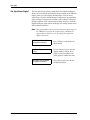
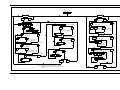
CALIBRATION MENU
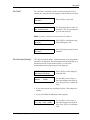
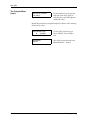
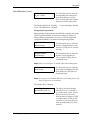
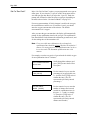
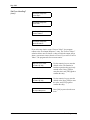
Gas Calibration?
Press [YES] to enter the “Gas
Calibration?” submenu. The menu
will vary according to the selection
made in the “Select
Compensation?” submenu.
No Compensation:
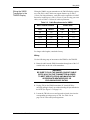
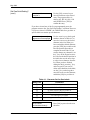
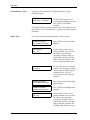
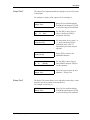
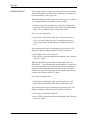
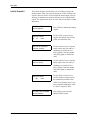
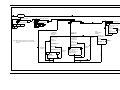
If you have selected NONE for compensation:
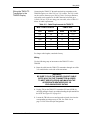
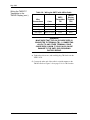
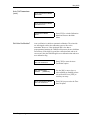
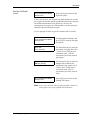
GAS GRID ENTRY
# of Points [X]:
Use the numeric keys to enter the
number of points in the gas
calibration curve, then press [YES]
twice to confirm the entry.
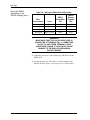
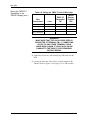
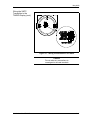
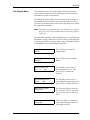
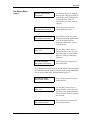
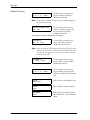
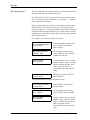
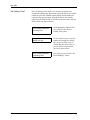
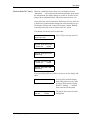
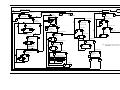
Point # 1
Gas [XX.XX]:
Use the numeric keys to enter the
percent gas concentrations for each
of the points in the curve, and then
press [YES] to confirm each entry.
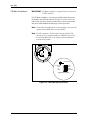
Note: Percent gas concentrations MUST be in ascending order, with
Point #1 the lowest concentration.
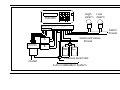
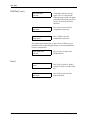
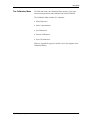
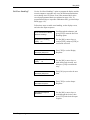
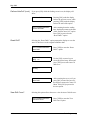
XX.XX %Gas
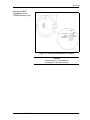
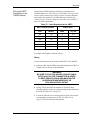
Gas mA [XX.XX]:
Basic Programming
After entering all the points, use
the numeric keys to enter the
corresponding mA values for the
given percent gas concentration.
Press [YES] twice to confirm each
entry.
4-25