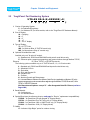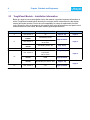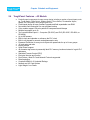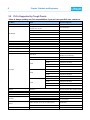
1
vii
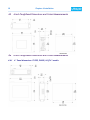
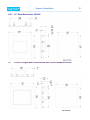
4.8.2 4-inch and smaller footprint 6-inch ToughPanels
25
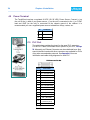
4.9 Power Terminal
26
4.10 PLC Port
26
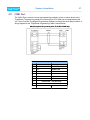
4.11 COM1 Port
27
4.12 Communications Setup
28
4.12.1 Setup Mode
28
4.12.2 Clock
28
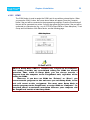
4.12.3 COM1
29
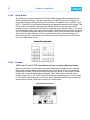
4.12.4 Group & Unit
30
4.12.5 Contrast
30
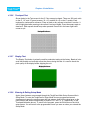
4.12.6 Touchpad Test
31
4.12.7 Display Test
31
4.12.8 Entering & Exiting Setup Mode
31
Chapter 5:Maintenance
32
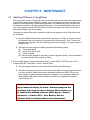
5.1 Shutting Off Power to ToughPanel
32
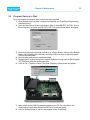
5.2 Program Backup to Disk
33
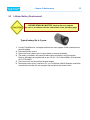
5.3 Lithium Battery Replacement
35
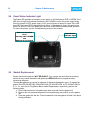
5.4 Panel Status Indicator Light
36
5.5 Gasket Replacement
36
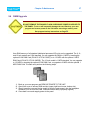
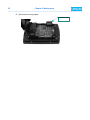
5.6 RAM Upgrade
37
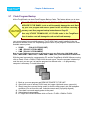
5.7 Flash Program Backup
39
5.8 Fuse Reset
40
5.9 Fluorescent Backlight Bulb Replacement
40
5.10 Precautions:
40
5.11 Touchscreen Chemical Compatibility
41
5.12 Touchscreen Cleaning
41
Chapter 6:Troubleshooting
42
6.1 Common Problems:
42
6.1.1 Problem: Panel won’t power up
42
6.1.2 Problem: Cannot communicate with ToughPanel from Programming Computer
42
6.1.3 Problem: Communications with PLC
42
6.1.4 Problem: Memory Card
43
6.1.5 Problem: Display Blank
43
6.1.6 Problem: Display hangs when unit is powered up, “Initializing...” message remains
on screen (unit has invalid RAM memory)
43
6.2 Still Need Help?
44
6.2.1 Warranty Repairs
44
6.2.2 Out of Warranty Repairs
44
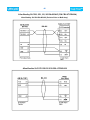
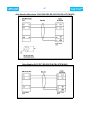
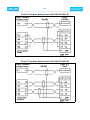
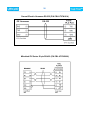
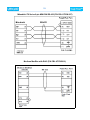
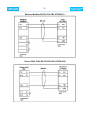
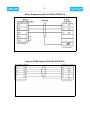
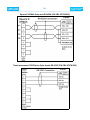
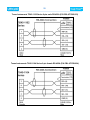
Appendix A:PLC Cable Wiring Diagrams
45
Appendix B:Option Card Installation
57