1
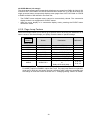
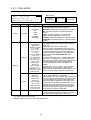
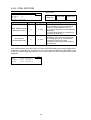
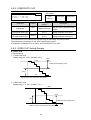
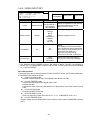
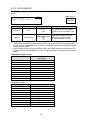
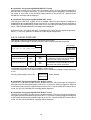
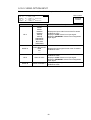
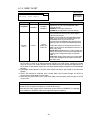
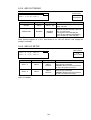
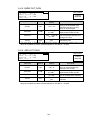
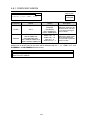
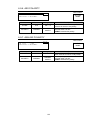
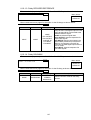
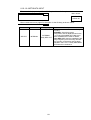
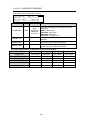
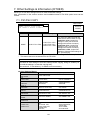
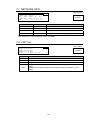
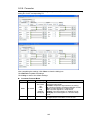
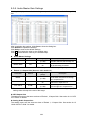
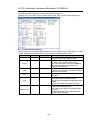
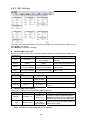
7-3. CONTROL SETTING
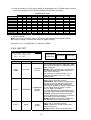
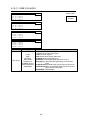
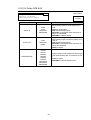
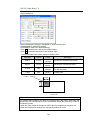
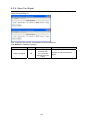
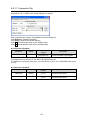
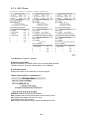
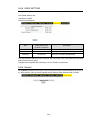
CONTROL SETTING
CONTROL:LOCAL
*
Menu button
293
STATUS
OTHER
Parameter
Default
Setting range
CONTROL
LOCAL
LOCAL
REMOTE
Description
LOCAL: Disables control from FA-95RU /
FA-10DCCRU.
(Front panel REMOTE LED is unlit.)
REMOTE: Enables control from FA-95RU /
FA-10DCCRU.
(Front panel REMOTE LED is lit.)
This menu cannot be accessed from the FA-95RU.
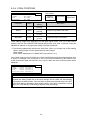
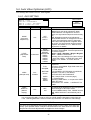
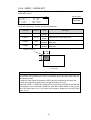
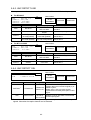
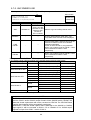
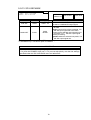
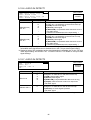
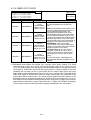
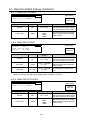
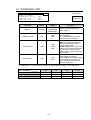
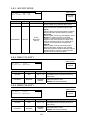
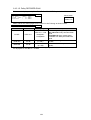
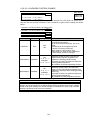
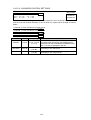
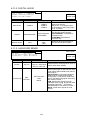
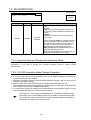
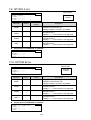
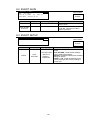
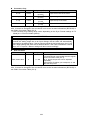
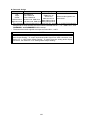
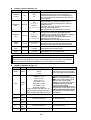
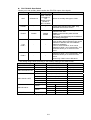
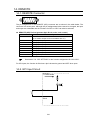
7-4. FRONT OPERATION
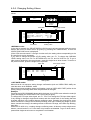
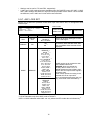
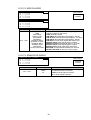
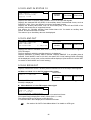
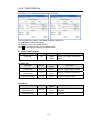
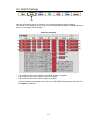
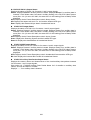
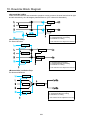
FRONT OPERATION
MODE:NORMAL
Menu button
294
STATUS
OTHER
*
*
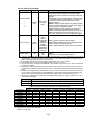
Parameter
Default
Setting range
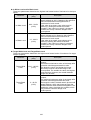
MODE
NORMAL
NORMAL
LIVE SAFE
Description
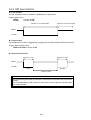
Allows you to select a front panel operation
mode.
NORMAL: Changes made by control knobs F1
to F4 will be applied immediately to the unit.
LIVE SAFE: Requires confirmation before
control knob changes are applied. *
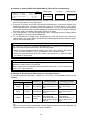
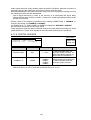
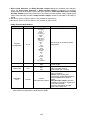
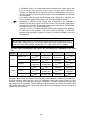
Whenever a change is made by control knobs F1 to F4, the single-arrow buttons (up and down) and
the LED around the control knob of the changed parameter blink confirming the change. Pressing the
single down arrow button confirms the change and the control knob LED lights. Pressing the single up
arrow button cancels the change and everything reverts to the previous state. Refer to section 4.
“Front Panel Operation” for details.
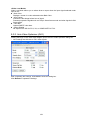
The FRONT OPERATION menu in the FA-95RU allows you to select a front panel operation mode for the
FA-95RU.
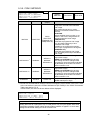
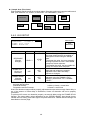
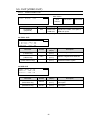
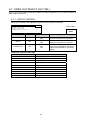
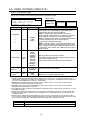
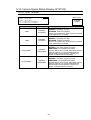
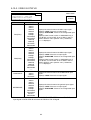
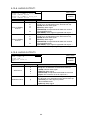
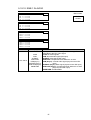
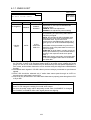
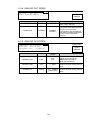
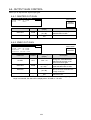
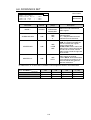
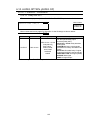
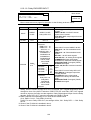
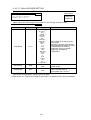
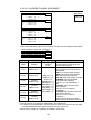
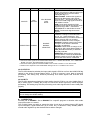
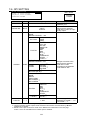
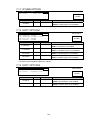
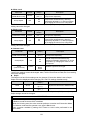
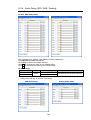
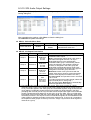
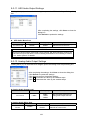
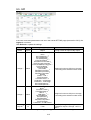
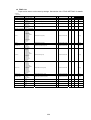
7-5. FRONT PANEL SET
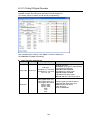
V
V
L
B
*
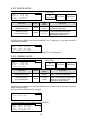
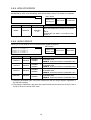
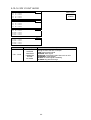
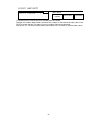
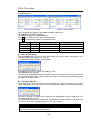
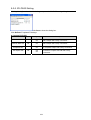
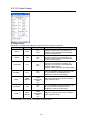
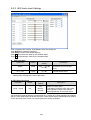
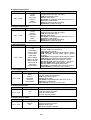
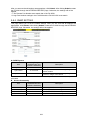
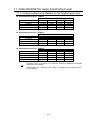
FRONT PANEL
FD BRIGHT
FD AUTO OFF
ED BRIGHT
UZZER
:
:
:
:
SET
295
50
5min
LEVEL4
ENABLE
Menu button
STATUS
OTHER
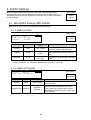
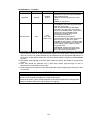
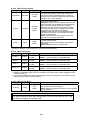
Parameter
Default
Setting range
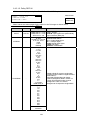
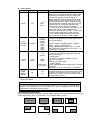
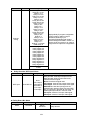
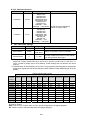
VFD BRIGHT
50
10 - 50
VFD AUTO OFF
DISABLE
DISABLE
5min
10min
30 min
LED BRIGHT
LEVEL4
LEVEL1 - 8
BUZZER
ENABLE
DISABLE
ENABLE
This menu cannot be accessed from the FA-95RU.
143
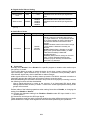
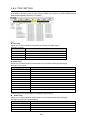
Description
Sets brightness of the menu
display.
10 - 50: dark to bright
Sets the idle time before turning
off the menu display.
DISABLE: Does not turn off the
menu display.
Sets the brightness of all LED
indicators on the front panel.
LEVEL1 – 8: dark to bright
DISABLE: Disable buzzer
ENABLE: Enable buzzer















































































![FA-9500取扱説明書[PDF:5.7MB]](http://vs1.manualzilla.com/store/data/006598421_2-717a4c2dea34a9c29bc8082cc4713487-150x150.png)

![FA-9520セットアップガイド[PDF:380.1KB]](http://vs1.manualzilla.com/store/data/006554177_2-82b770087ef991f1d97021bb1b8b254b-150x150.png)