1
DEUTSCH
3.3
Object tree
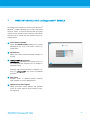
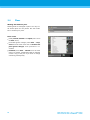
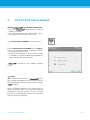
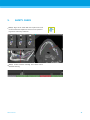
The object tree contains:
Tree functions (e.g. add, delete)
All the objects (e.g. implants, sleeves, nerve canals,
measurements)
Comment field
Tooth position pane (currently selected tooth position)
Provides all the information on the implant, abutment, sleeve and/or virtual tooth for the given tooth
position and allows to adjust them.
Density statistics
ITALIANO
ESPAÑOL
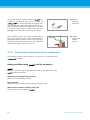
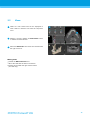
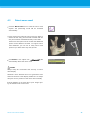
Moving/rotating objects
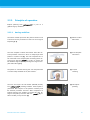
Select object in the object tree.
Activate the positioning mode.
Move object with the left mouse button.
Rotate object with the right mouse button (some objects only).
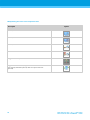
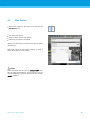
Objects: most important tree functions
Description
Symbol
Adds a new object (e.g. implant, measurement…).
Enables/disables the positioning mode.
As long as the positioning mode is not activated, the objects cannot be “touched” with the mouse.
Deletes the selected object.
РУССКИЙ
21
21