1
DEUTSCH
4.4
Plan implant
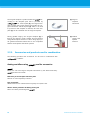
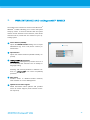
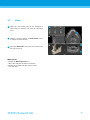
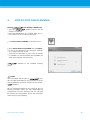
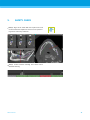
Click the Add Implant icon. The Implant Database
opens.
Select the implant and the tooth position(s) where
the implant(s) shall be placed. Click OK and the
database closes.
ITALIANO
ESPAÑOL
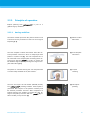
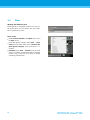
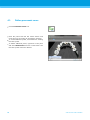
Adjust the implant position. The positioning mode
is already activated.
Adjusting the implant
Move the implant with the left mouse button.
Rotate the implant with the right mouse button.
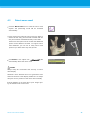
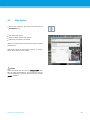
To support correct implant positioning, align the
views with the implant axis. This allows you to rotate
360° around the implant in the tangential view.
РУССКИЙ
STEP-BY-STEP CASE PLANNING
27
27