1
Patient database
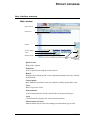
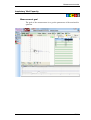
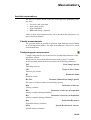
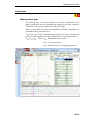
Patient’s personal data
The program can store an arbitrary number of patients.
Pink fields indicate fields that have to be completed.
Anthropometrics data
You have to enter the patient’s body mass and height
These data are required to calculate reference value
The database stores the body mass and height of the patient for each visit,
so changes may be followed in time.
New patient
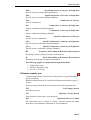
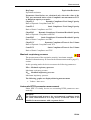
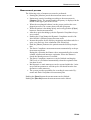
To enter a new patient, press the [New Patient] button. Complete the
fields and make sure that two patients cannot have the same identifier.
To store the patient, press the [Save] button.
You will receive feedback about the success of data storage.
If you do not wish to save the data, press the [Cancel] button.
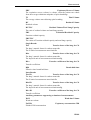
Modify data
Select the patient to modify
Click on the [Modify] button
After modification press the [Save] button
You will receive feedback about the success of data storage
If you do not wish to save the modified data, press the [Cancel] button
About deleting …
To preserve consistency and for future searches, it is not possible to delete from the database. All diagnosis has traces in the database.
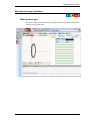
Finding a patient in the database
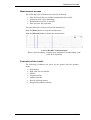
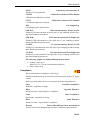
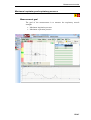
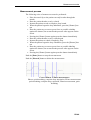
The top section of the patient database window is the search block.
You can search based on several criteria. When those criteria change, the
program automatically lists the patients meeting the updated criteria
Normal search
Search only based on the patient’s family and surname.
Enter the patient’s name or part of it.
DB-19