1
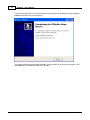
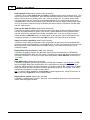
1. Installing CDRoller.
7
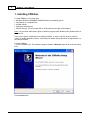
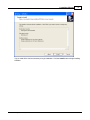
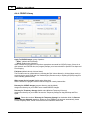
4. The installation program displays a Select Start Menu Folder page similar to the one shown here.
By default, the installation program creates an CDRoller folder on your start menu. This is what you'll
see when you choose Start | Programs on the Windows taskbar. If you want to use an existing folder,
choose it from the list shown; if you want to use a different name, type it in the text field. When you're
satisfied with your start menu folder selection, click the Next button.
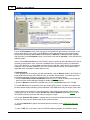
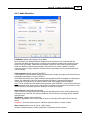
5. The installation program displays a Select Additional Tasks page similar to the one shown here.
© 2003 - 2007 Digital Atlantic Corp.