1
Chapter 4
Viewing and Saving Data
This chapter describes how to configure the data downloading process,
download data from the TEOM 3600 PDM, and how to view those data
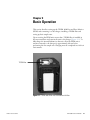
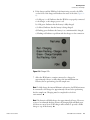
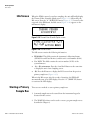
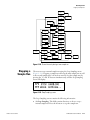
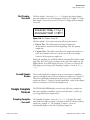
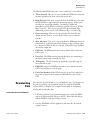
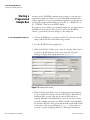
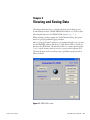
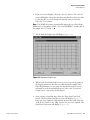
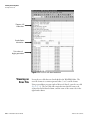
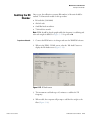
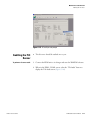
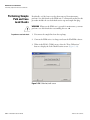
files using the buttons in the PDM-COM1 screen (Figure 4–1).
When running a primary sample run, the PDM unit will log data points
based on a pre-programmed logging template.
After you have performed a primary or programmed sample run, you must
use the WinPDM software and the 9-to-9 pin RS232 cable to download
data from the PDM unit. The data file format is a comma-separated value
(“.csv”) text file format, which is stored to your personal computer (PC).
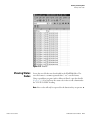
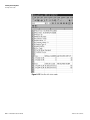
The data file then can be viewed by using a spreadsheet program such as
Microsoft Excel.
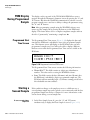
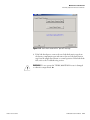
Figure 4–1. PDM-COM1 screen
Thermo Fisher Scientific
PDM 3600 Instruction Manual
4-1