1
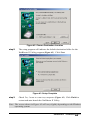
step7.
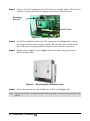
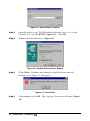
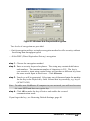
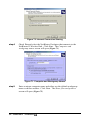
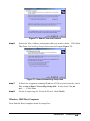
Click Next when Windows finds a driver for this device
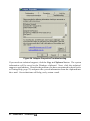
Figure 39. Completing the Found New Hardware Wizard
step8.
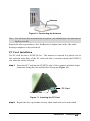
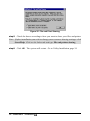
On the Completing the Found New Hardware screen, click Finish
step9.
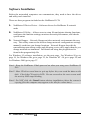
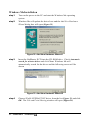
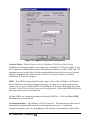
Click Start/Run on the Windows taskbar. Type the path to the
NetBlaster II utility setup files, e.g. if the CD drive is D, type
d:\utility\setup.exe and then click OK
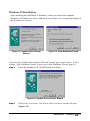
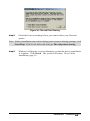
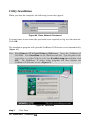
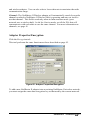
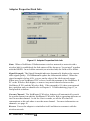
The NetBlaster II Utility installation will start. Go to Utility Installation, page 30.
SOHOware® NetBlaster
29