1
FUNCTIONS
1
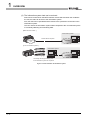
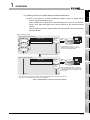
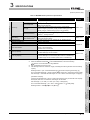
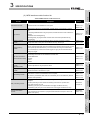
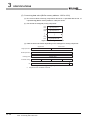
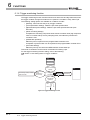
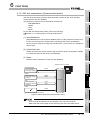
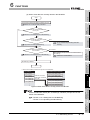
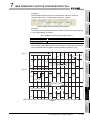
The following explains access to device data in the programmable controller CPU
and to the database.
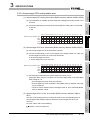
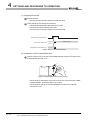
(1) Device data in the programmable controller CPU
Since all of data are written to the device data area in the programmable
controller CPU at a time upon completion of job execution, any change due to
the error is not reflected in the device data of the programmable controller
CPU.
(2) Database
Rollback is executed assuming the time immediately before job activation as
a commit point.
However, when the database is Wonderware Historian, rollback is not
executed. When an error occurs, data input before error occurrence is
reflected on the database.
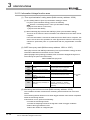
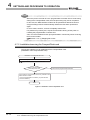
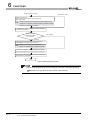
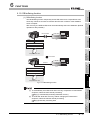
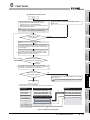
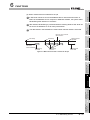
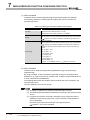
(c) When [Notify errors (job cancellation) that occur during job execution] has been
selected, a value is assigned to the specified tag component.
Section 7.10.5 Setting items for job cancellation
SYSTEM
CONFIGURATION
SPECIFICATIONS
Remark
4
SETTINGS AND
PROCEDURE TO
OPERATION
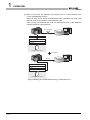
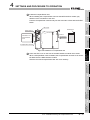
(b) If a job execution is canceled, the operation processed before the error
occurrence returns to the status before the job execution.
3
5
INSTALLATION AND
UNINSTALLATION
Section 6.1.9 DB buffering function
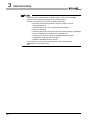
• When statistic processing of [Moving average], [Moving maximum] or [Moving
minimum] is specified for a tag component, sampling for the specified number
of times is not complete.
• Failure in program execution
2
6
FUNCTIONS
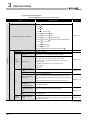
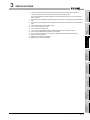
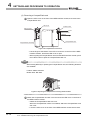
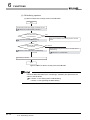
(a) The job execution is canceled when the error cause is the following:
• Failure in device data writing due to network disconnection within the
programmable controller system
• Failure in device data writing, or an operation error
• Failure in access to database (except for jobs for which DB buffering is
enabled)
OVERVIEW
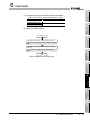
(2) When an error occurs in job execution
MES INTERFACE
FUNCTION
CONFIGURATION TOOL
7
8
DB CONNECTION
SERVICE AND
SETTING TOOL
6
6.1 DB Interface Function
6.1.10 Precautions
6 - 22