1
Working with Batteries
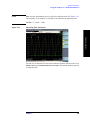
Viewing Battery Status
•
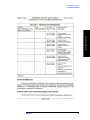
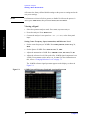
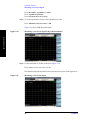
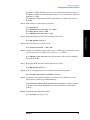
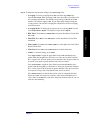
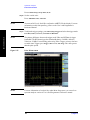
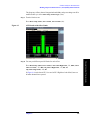
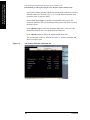
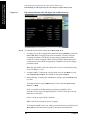
Run Time to Empty—while using external power, External DC Power is
displayed; while using battery power, the predicted remaining battery run time
is displayed in minutes at the present rate of discharge. The instrument mode
you select affects the discharge rate, which determines the run time to empty.
Stimulus/Response uses the most power. The remaining modes use the least
power.
•
Fuel Gauge Error—the present accuracy of each battery’s fuel gauge or
remaining charge capacity. If the error exceeds 10%, you should recalibrate the
battery using the optional stand alone battery charger.
•
Percent Charged—the predicted charge capacity of each battery in percent.
•
Battery Status—For Battery 1 and Battery 2, Present or Missing tells you
whether a battery is installed.
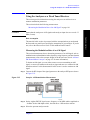
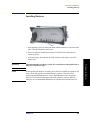
Built-In Battery Gauge
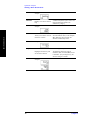
Each Lithium Ion battery has a five-segment LCD gauge that displays its charge
status. Each segment represents 20% of the charge capacity. The gauge is active
unless the battery is in shutdown mode. You can view the gauge with the door
open.
Working with Batteries
Chapter 10
183