1
Creating Suffixes
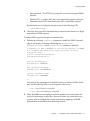
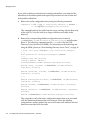
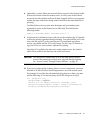
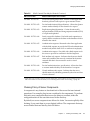
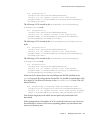
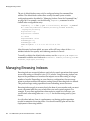
passwordAllowChangeTime")(version 3.0; acl "Allow self entry
modification except for nsroledn, aci, resource limit
attributes, passwordPolicySubentry and password policy state
attributes"; allow (write)userdn ="ldap:///self";)
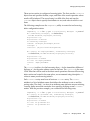
10. When you have edited the entry, click OK in the Generic Editor to create the
root object of the new suffix.
The new suffix now appears in the directory tree and can be managed through
the console, according to the rights given by the ACIs.
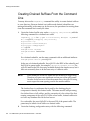
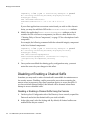
Creating a New Subsuffix Using the Console
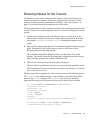
The following procedure describes how to create a new subsuffix under an already
existing root or subsuffix:
1.
On the top-level Configuration tab of the Directory Server console, expand the
Data node and any suffix node to display the parent suffix.
2.
Right-click on the parent suffix node, and select New Subsuffix from the
pop-up menu.
Alternatively, you may select the parent suffix node and choose New Subsuffix
from the Object menu.
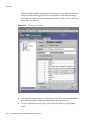
The “New Subsuffix” dialog box is displayed.
3.
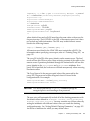
Enter a unique name in the Subsuffix RDNs field. The name must be in the
relative distinguished name format consisting of one or more attribute-value
pairs separated by commas, for example ou=Contractors.
The line below the text box shows the complete DN of this subsuffix, consisting
of the parent suffix DN appended to the RDNs.
NOTE
4.
Subsuffix names contain attribute-value pairs in the RDN format,
but are treated as a single string. Therefore, all spaces are significant
and are part of the suffix DN.
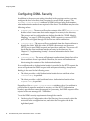
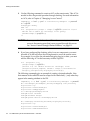
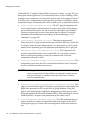
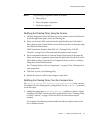
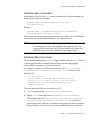
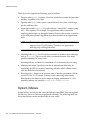
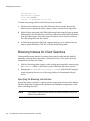
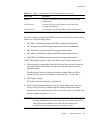
By default, the location of database files for this suffix is chosen automatically
by the server. Also by default, the suffix will maintain only the system indexes,
no attributes will be encrypted, and replication will not be configured.
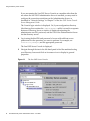
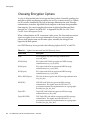
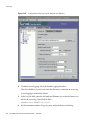
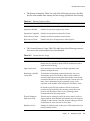
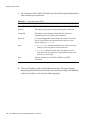
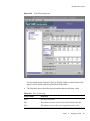
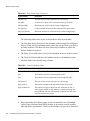
To modify any of the defaults, click the Options button to display the new
suffix options:
90
Sun ONE Directory Server Administration Guide • June 2003