1
9. Menu
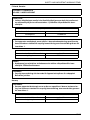
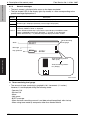
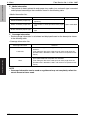
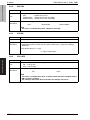
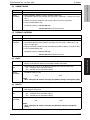
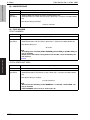
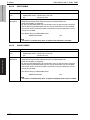
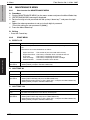
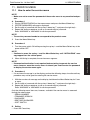
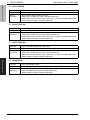
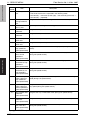
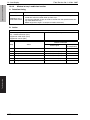
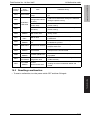
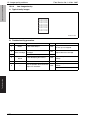
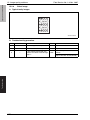
D. HALFTONE 256
Function
• Prints the halftone pattern with 100 % level.
Use
• To check the unevenness of the density and the pitch.
Setting
/procedure
1.
2.
3.
4.
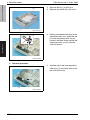
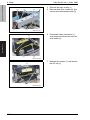
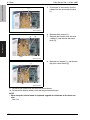
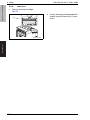
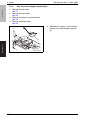
Set the A4S or letter S media on the tray.
Select [HALFTONE 256] and press the Menu/Select key.
Select desired color with the up keyU/down keyV and press the Menu/Select key.
Select [PRINT] and press the Menu/Select key.
pagepro 5650EN/4650EN
Field Service Ver. 1.0 Nov. 2007
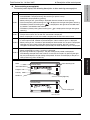
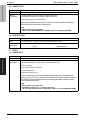
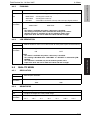
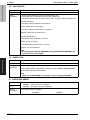
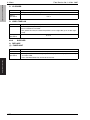
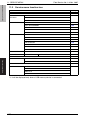
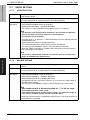
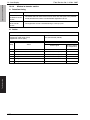
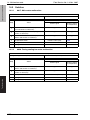
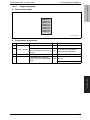
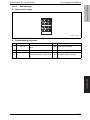
E. GRADATION
Function
• Prints the gradation pattern.
Use
• To check the gradation reproductively.
Setting
/procedure
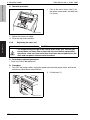
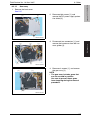
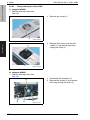
1. Set the A4S or letter S media on the tray.
2. Select [GRADATION] and press the Menu/Select key.
3. Select [PRINT] and press the Menu/Select key.
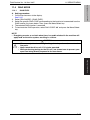
9.9.3
ALIGNMENT
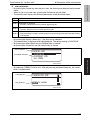
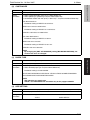
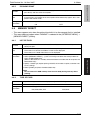
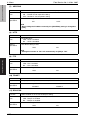
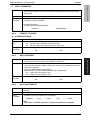
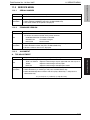
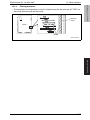
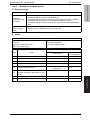
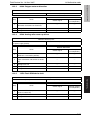
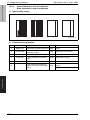
A. TOP ADJUSTMENT
Function
• Adjusts the top margin of media for single-sided printing.
Use
• To correct a misaligned print image.
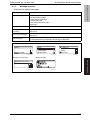
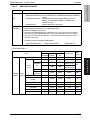
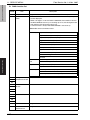
TRAY 1 to TRAY 4 : Adjust the head margin of plain paper fed from the tray1 to 4.
THICK
: Adjust the head margin of thick paper.
DUPLEX
: Adjust the head margin of duplex print media.
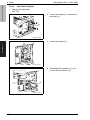
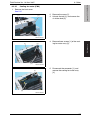
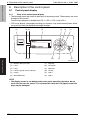
1. Select [TOP ADJUSTMENT] and press the Menu/Select key.
2. Select desired tray or media type and press the Menu/Select key.
3. Select desired adjustment amount with the up keyU/down keyV and press the
Menu/Select key.
Adjustment / Setting
Setting
/procedure
-8 (-4.1 mm) to +7 (+3.6 mm) (1 step: 0.5 mm)
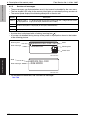
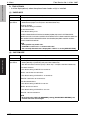
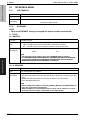
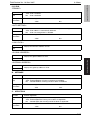
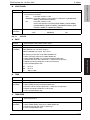
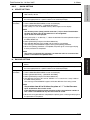
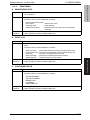
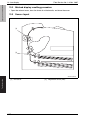
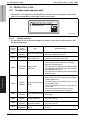
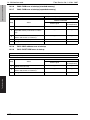
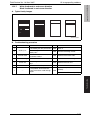
B. LEFT ADJUSTMENT
Function
• Adjusts the left margin of media for single-sided printing.
Use
• To correct a misaligned print image.
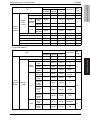
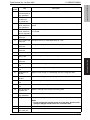
LEFT ADJ TRAY 1 : Adjust the left margin of media fed from tray 1 (manual tray.)
LEFT ADJ TRAY 2 : Adjust the left margin of media fed from tray 2.
LEFT ADJ TRAY 3 : Adjust the left margin of media fed from tray 3.
LEFT ADJ TRAY 4 : Adjust the left margin of media fed from tray 4.
LEFT ADJ DUPLEX : Adjust the left margin of duplex print media.
Setting
/procedure
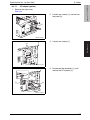
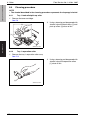
1. Select [LEFT ADJUSTMENT] and press the Menu/Select key.
2. Select desired item and press the Menu/Select key.
3. Select desired adjustment amount with the up keyU/down keyV and press the
Menu/Select key.
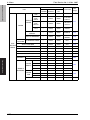
-8 (-4.1 mm) to +7 (+3.6 mm) (1 step: 0.5 mm)
131