1
9.3.2
Enable UPS Status
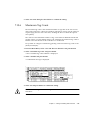
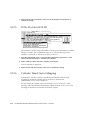
This function is used to enable the Uninterruptible Power Supply (UPS) status if a
UPS unit is installed for power redundancy and backup. The default value for this
function is Disabled.
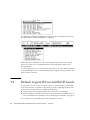
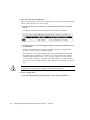
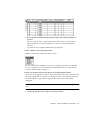
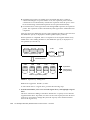
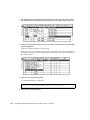
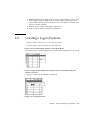
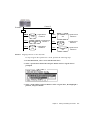
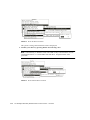
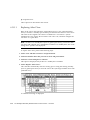
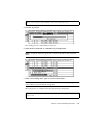
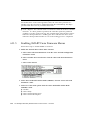
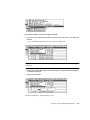
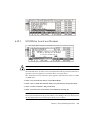
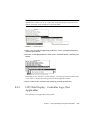
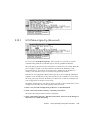
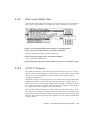
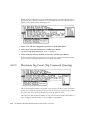
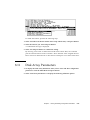
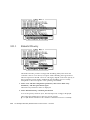
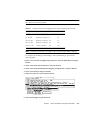
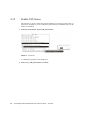
1. Select the “UPS Status” option and press Return.
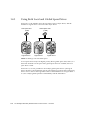
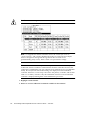
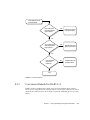
FIGURE 9-6
UPS Status
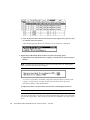
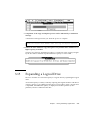
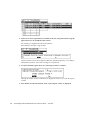
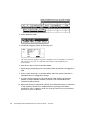
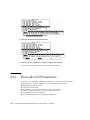
A confirmation prompt will be displayed.
2. Select “Yes,” and press Return to confirm.
9-6
Sun StorEdge 3000 Family RAID Firmware 3.25 User’s Guide • June 2003