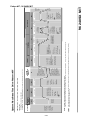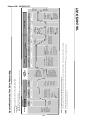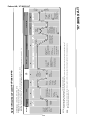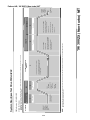
1
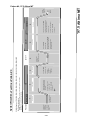
Step 1: Check For DTC
1. Connect CONSULT.
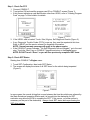
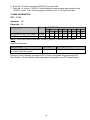
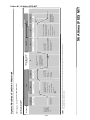
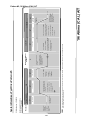
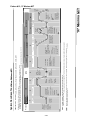
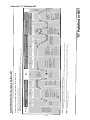
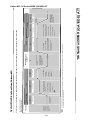
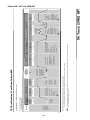
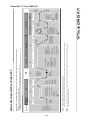
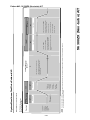
2. Turn ignition ON and read the program card ID on CONSULT screen (Figure 1).
• If this screen indicates a card identification other than UE991, refer to “Loading Program
Card” on page 7 of this bulletin for details.
Figure 1
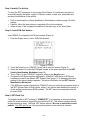
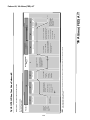
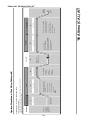
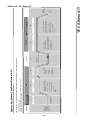
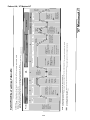
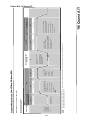
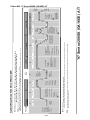
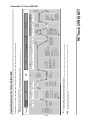
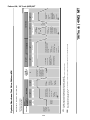
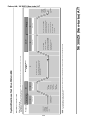
Figure 2
3. If the UE991 card is loaded, Touch: Start, Engine, Self Diagnosis Results (Figure 2).
• If any Diagnostic Trouble Codes (DTC’s) come up, they must be repaired at this time.
Refer to ASIST and the service manual for diagnostic information.
NOTE: Normal warranty coverage will apply to the above repairs.
• If the CONSULT screen indicates: “No Self Diagnostic Failure Indicated,” go to the next
step. Touch the “Back” key on CONSULT keypad and return to the Engine menu.
NOTE: DO NOT touch “Erase” or you will lose previously completed SRT items.
Step 2: Check SRT Status
Starting from CONSULT’s Engine menu:
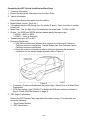
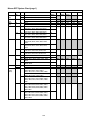
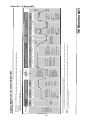
1. Touch SRT-Confirmation, then touch SRT Status.
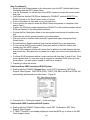
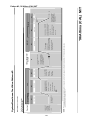
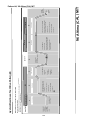
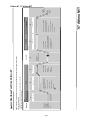
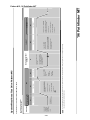
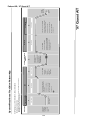
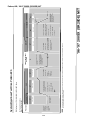
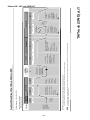
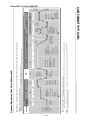
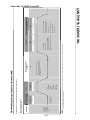
2. The screen will display the status of all SRT items for the vehicle being inspected
(Figure 3).
Figure 3
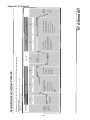
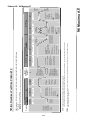
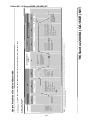
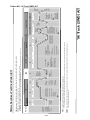
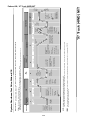
In some cases, the normal driving that occurs between the time the vehicle was referred by
the State Emissions Inspection Station and it is brought into the dealership for SRT
evaluation may allow the ECM to complete the SRT. If this occurs, no further action is
necessary on the part of the dealership. Always check SRT status before performing the
SRT drive pattern.
3/60