1
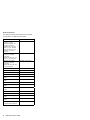
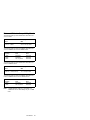
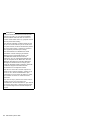
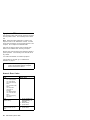
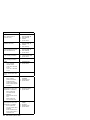
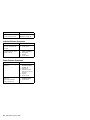
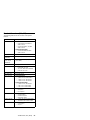
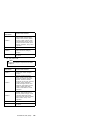
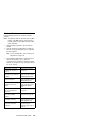
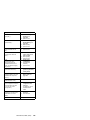
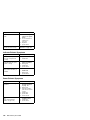
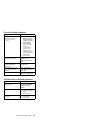
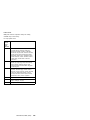
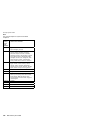
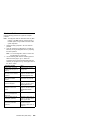
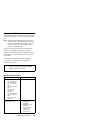
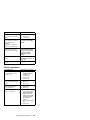
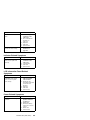
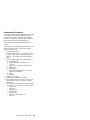
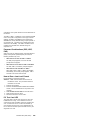
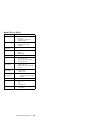
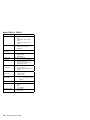
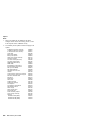
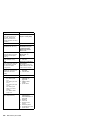
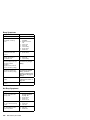
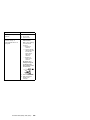
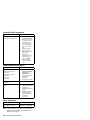
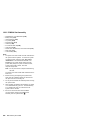
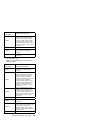
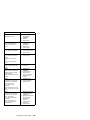
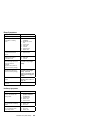
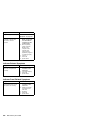
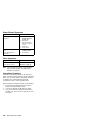
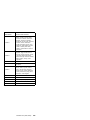
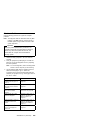
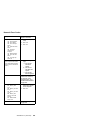
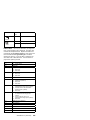
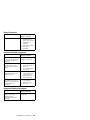
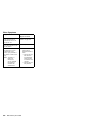
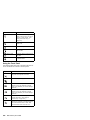
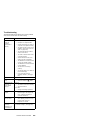
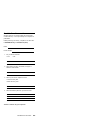
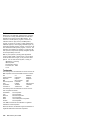
Wake Up on LAN-Related Symptoms
Symptom or Error
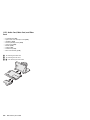
FRUs of the SelectaDock
Sequence of Actions
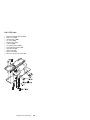
The SelectaDock Docking
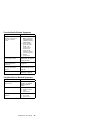
System does not wake up.
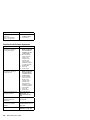
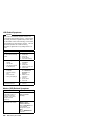
1. Check the connection
of the wake up on LAN
signal cable.
2. Make sure the network
setting is correct.
3. Make sure that the
computer model is 770
and that the wake up
on LAN is enabled.
4. Main card.
5. Wake up on LAN
signal cable.
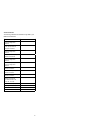
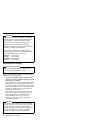
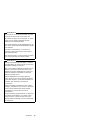
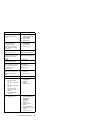
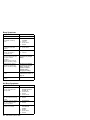
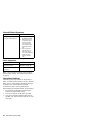
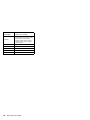
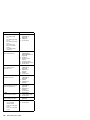
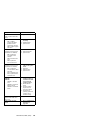
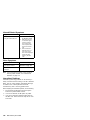
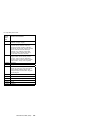
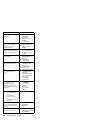
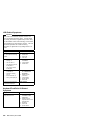
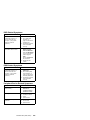
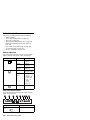
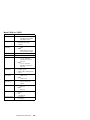
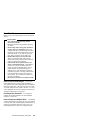
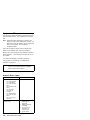
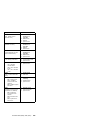
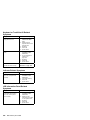
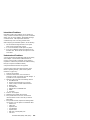
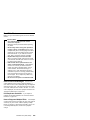
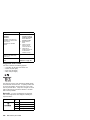
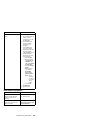
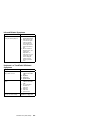
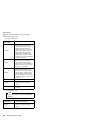
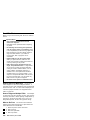
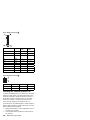
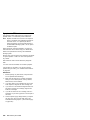
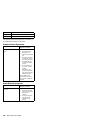
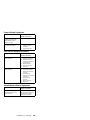
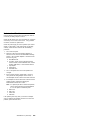
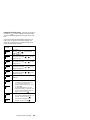
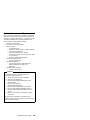
Intermittent Symptoms
Symptom or Error
FRUs of the SelectaDock
Sequence of Actions
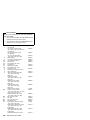
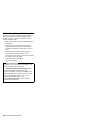
An intermittent problem
occurs.
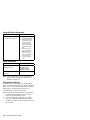
The problem can be difficult
to analyze, because it
occurs just once in a while.
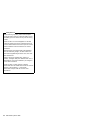
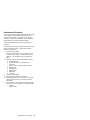
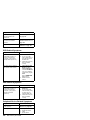
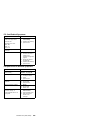
If your docking station has
such a problem:
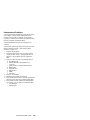
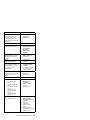
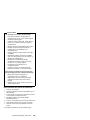
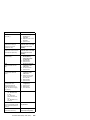
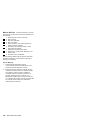
1. Check that the
computer is firmly
attached to the docking
station.
2. Check that all cables
and power cords are
securely connected to
the SelectaDock
system and to the
attached options.
3. Check that the SCSI
device is correctly
terminated.
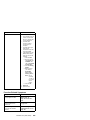
4. Do the loop test.
Refer to the
diagnostics section of
computer model you
are servicing.
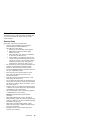
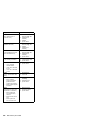
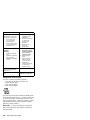
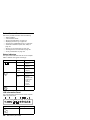
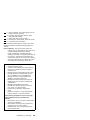
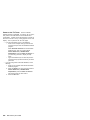
If the problem persists, write
down what the problem is
and what the system was
doing when the problem
occurred.
SelectaDock III (3547-003)
651