1
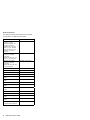
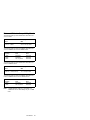
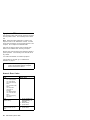
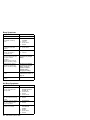
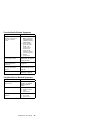
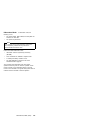
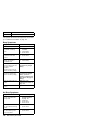
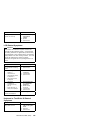
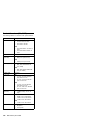
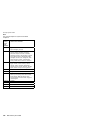
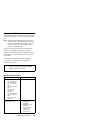
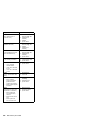
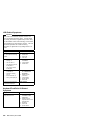
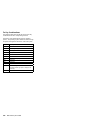
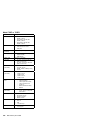
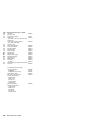
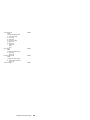
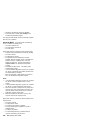
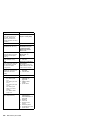
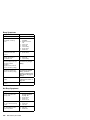
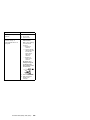
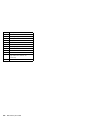
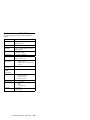
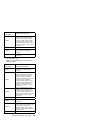
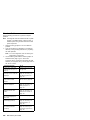
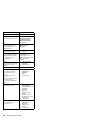
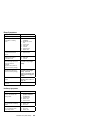
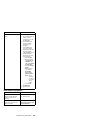
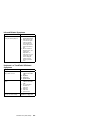
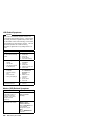
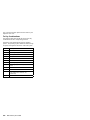
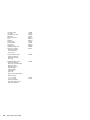
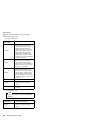
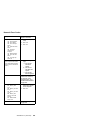
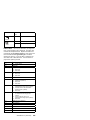
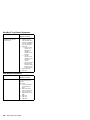
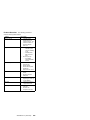
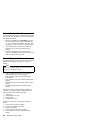
Beep Symptoms
Symptom / Error
FRU / Action in Sequence
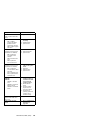
Continuous beeps.
System board
One beep and a blank,
unreadable, or flashing
LCD.
1. Reseat the LCD
connector.
2. Reseat the inverter
card.
3. Inverter card
4. Video card
5. LCD unit
6. System board
7. DC/DC card
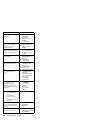
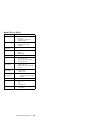
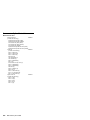
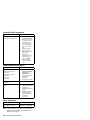
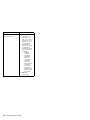
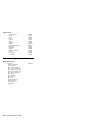
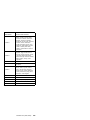
One beep, and the message
“Unable to access boot
source.”
1. Boot device
2. System board
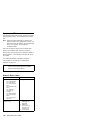
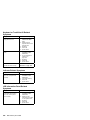
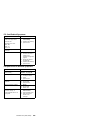
One long and two short
beeps, and a blank or
unreadable LCD.
1. System board
2. Video card
3. LCD unit
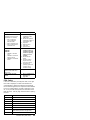
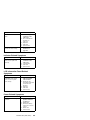
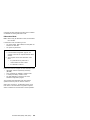
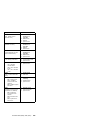
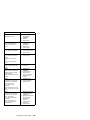
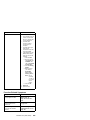
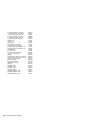
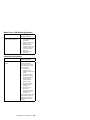
One long beep followed by
four short beeps each time
the power switch is
operated.
(System cannot power-on
due to low battery voltage.)
Connect the AC Adapter
or install a fully charged
battery.
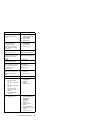
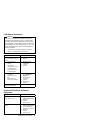
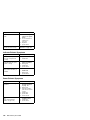
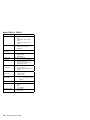
One beep every second.
(System is shutting down
due to low battery voltage.)
Connect the AC Adapter
or install a fully charged
battery. (Allow the
system to completely shut
down before changing the
battery.)
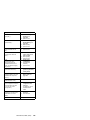
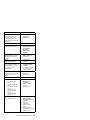
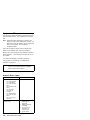
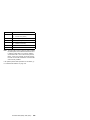
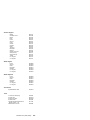
Two short beeps with error
codes.
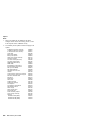
POST error. See
“Numeric Error Codes” on
page 542.
Two short beeps with blank
a screen.
System board
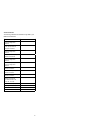
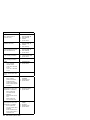
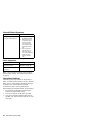
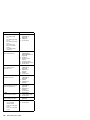
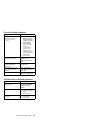
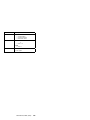
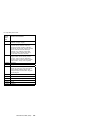
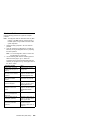
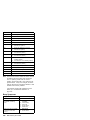
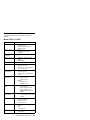
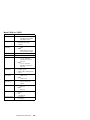
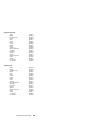
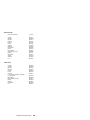
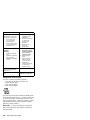
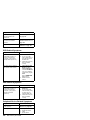
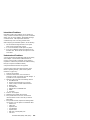
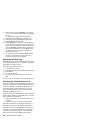
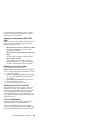
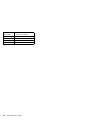
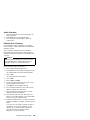
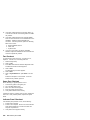
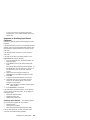
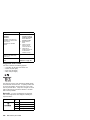
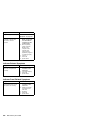
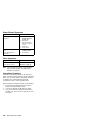
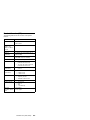
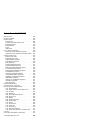
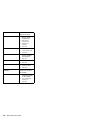
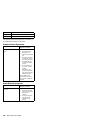
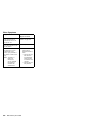
No Beep Symptoms
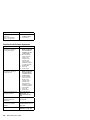
Symptom / Error
FRU / Action in Sequence
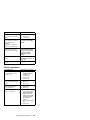
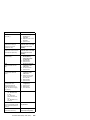
No beep, power-on indicator
not on, and a blank LCD
during POST.
1. Go to “Power
Systems Checkout”
on page 533.
2. System board
3. DC/DC card
4. Power sources
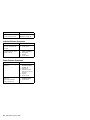
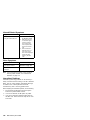
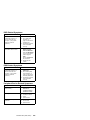
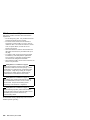
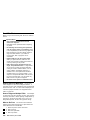
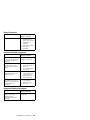
No beep, power-on indicator
on, and a blank LCD during
POST.
1. System board
2. DC/DC card
3. CPU card
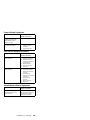
No beep, power-on indicator
on, and a blinking cursor
only during POST.
1. System board
2. CPU card
3. DC/DC card
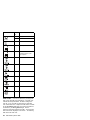
ThinkPad 770 (9548, 9549)
551