1
Commands Listed in Alphabetical Order
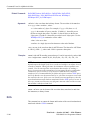
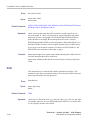
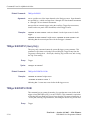
Group
Trigger
Syntax
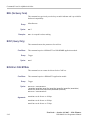
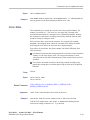
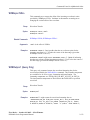
TRIGger:STATE?
Related Commands
TRIGger:A:MODe
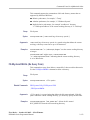
Returns
ARMED indicates that the instrument is acquiring pretrigger information.
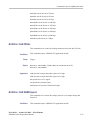
AUTO indicates that the instrument is in the automatic mode and acquires data
even in the absence of a trigger.
DPO indicates that the instrument is in DPO mode.
PARTIAL indicates that the A trigger has occurred and the instrument is waiting
for the B trigger to occur.
READY indicates that all pretrigger information has been acquired and that the
instrument is ready to accept a trigger.
SAVE indicates that the instrument is in save mode and is not acquiring data.
TRIGGER indicates that the instrument triggered and is acquiring the post trigger
information.
Examples
TRIGGER:STATE? might return :TRIGGER:STATE ARMED indicating that the
pretrigger data is being acquired.
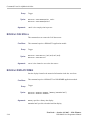
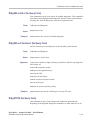
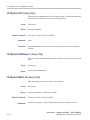
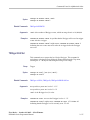
*TST? (Query Only)
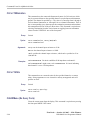
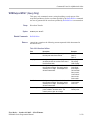
This query-only command tests (self-test) the GPIB interface and returns a 0.
Group
Miscellaneous
Syntax
*TST?
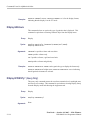
Examples
*TST? always returns 0.
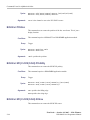
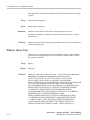
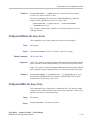
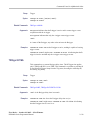
UNLock (No Query Form)
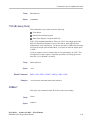
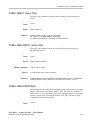
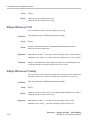
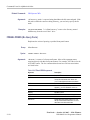
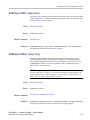
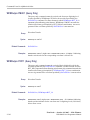
This command (no query form) unlocks the front panel. The command is
equivalent to LOCk NONe.
First Draft — October 18, 2005 — Kirk Wimmer
DPO4000 Series Programmer Manual
2-321