1
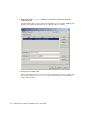
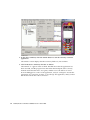
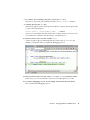
2. In the device emulator, click the Launch button to start the Currency Converter
application.
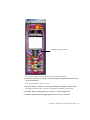
The emulator screen displays the three currency fields: US, Yen and Euro.
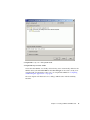
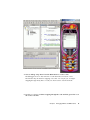
3. Click in the device emulator, click the “5” button.
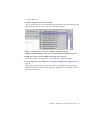
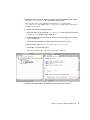
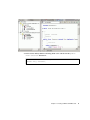
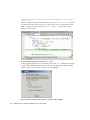
The numeral “5” appears in the US field. The IDE shows that the application has
been activated, and the program runs until it hits the breakpoint at the convert()
method. Notice that the line is now green, and the icon to the left has an arrow.
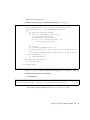
Now the debugger has control of the application, and you can begin to execute the
application one source line at a time, or step through the application, until you find
the line that will do the actual conversion.
42
Mobility Modules for NetBeans 2004Q1 Tutorial • March 2004