1
Chapter 3: Testing Performance
To Test the Single-clock, Single-edge, State Acquisition
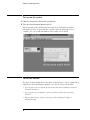
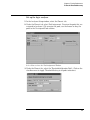
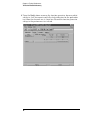
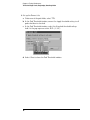
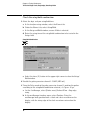
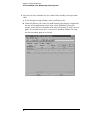
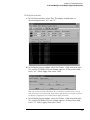
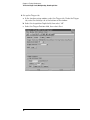
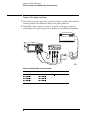
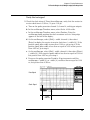
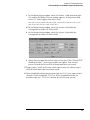
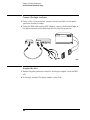
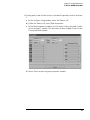
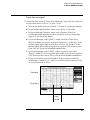
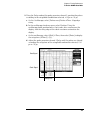
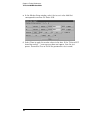
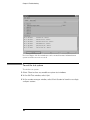
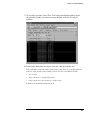
2 Check the data pulse width. Using the oscilloscope, verify that the data
pulse width is 2.500 ns, +0 ps or -50 ps.
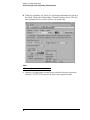
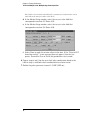
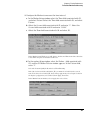
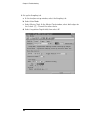
a In the oscilloscope Timebase menu, select Position. Using the
oscilloscope knob, position the data waveform so that the waveform is
centered on the screen.
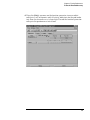
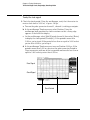
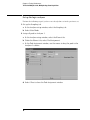
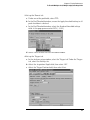
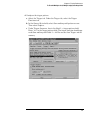
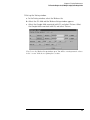
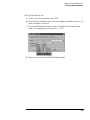
b On the oscilloscope, select [Shift] + width: channel 1, then select
[Enter] to display the data signal pulse width (+ width(1)).
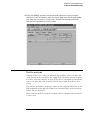
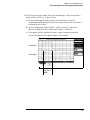
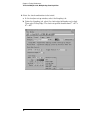
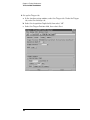
c If the pulse width is outside the limits, adjust the pulse generator
channel 2 width until the pulse width is within limits.
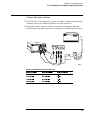
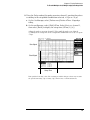
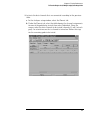
Data Signal
Clock Signal
Data Pulse
Width
57