1
CONFIDENTIAL
T-D2-IN / T-D2-OS Service Manual
Ver. 1.00
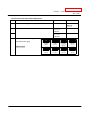
12-1. Diagnosis using the TM-RE30
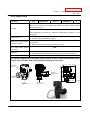
< Individual unit>
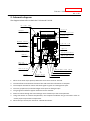
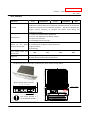
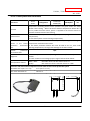
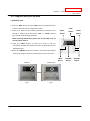
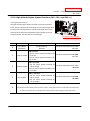
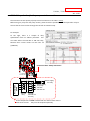
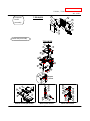
1. Press the "HOT" button and the "COLD" button simultaneously for
at least 5 seconds to enter “Diagnostic mode”.
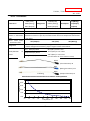
2. Scroll up or down to the needed information (mode #) of the
T-D2-IN or T-D2-OS by pressing the “HOT” or “COLD” buttons
“TIME”
Button
“HOT”
Button
“COLD”
Button
(Fig.1 shows mode #5 being selected.)
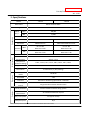
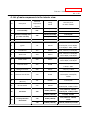
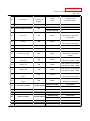
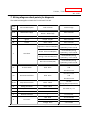
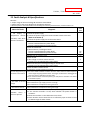
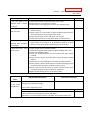
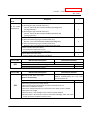
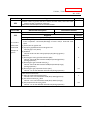
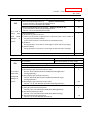
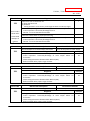
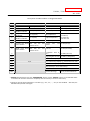
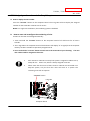
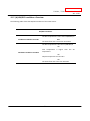
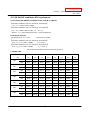
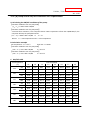
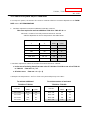
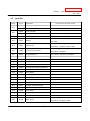
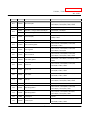
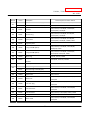
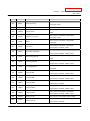
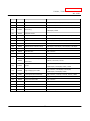
When selecting information, please refer to the table on p. 49
for the proper mode #.
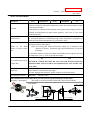
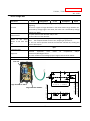
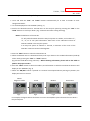
3. Press the “INFO” button to select the mode #, and the
information to which the mode # correlates to will display on the
TM-RE30 (Fig.2).
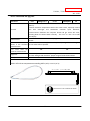
4. When the “ON/OFF” button is pressed or 5 minutes have elapsed
without pressing any buttons, the display will return to normal.
Mode #
Information
Fig.1
Fig.2
47
“INFO”
“BUZZER”
“ON/OFF”
Button
Button
Button