1
Cranex Panoramic X-ray Series
3. Using the Units
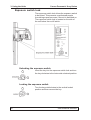
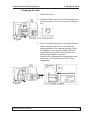
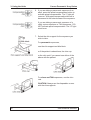
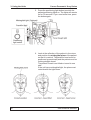
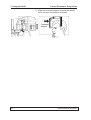
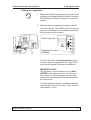
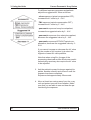
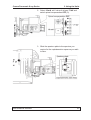
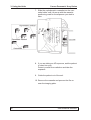
5. Press and hold down the exposure switch on the
remote control for the duration of the exposure.
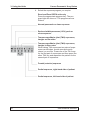
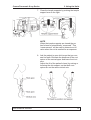
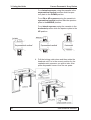
During the exposure cycle you will hear an audible signal and the radiation warning lights will
come on when radiation is generated.
6
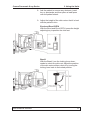
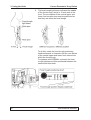
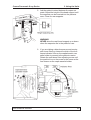
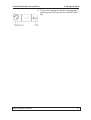
When the rotating arm stops moving and the
exposure warning lights go out, remove your
finger from the exposure switch.
NOTE
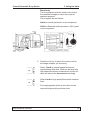
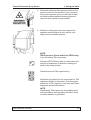
TMJ Exposures (Excel and Excel CEPH only)
If you are taking TMJ exposures:
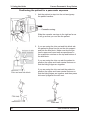
Press the RETURN key after you have taken the
first pair of exposures to drive the rotating unit
back to the ready position.
Press the second TMJ exposure key.
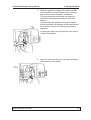
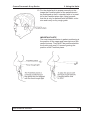
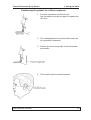
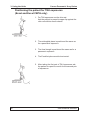
Reposition the patient for the second pair of TMJ
exposures (Refer to the section “Positioning the
patient for a TMJ exposure”) and then take these
exposures as described above.
NOTE
When taking TMJ exposures, the audible signal
and the radiation warning lights will ONLY come
on when radiation is generated.
User’s Manual 8200900
39