1
The User menu is not affected
if the indicator is sealed or
unsealed.
The values under SELECT in
the flowchart to the right are
not saved after a power down
and power up.
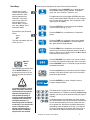
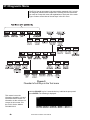
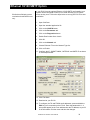
Figure 4
Soft key flowchart for User menu
User
— CLOCK
Hours must be entered in
military format:
23 = 11pm
13 = 1pm
1 = 1am
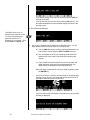
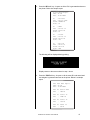
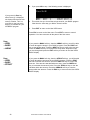
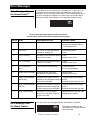
Press the CLOCK soft key to access the time and date setting function.
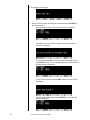
1. The display shows the current hour value. If this is not correct key in a
new value and press ENTER or press ENTER to accept the current
value. . .
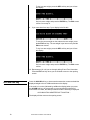
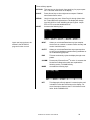
The display shows the minutes value.
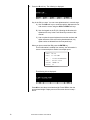
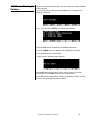
2. Repeat step 1 for minutes, seconds, year, month and day. (The day of
the week is calculated automatically from the four digit year.)
Display returns to display shown in Figure 3.
Model E1310 Indicator User’s Manual
21