1
3.5
Scan to HDD Function
3
6
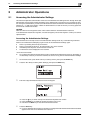
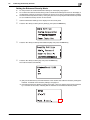
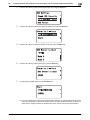
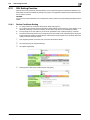
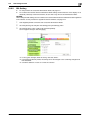
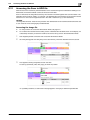
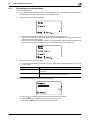
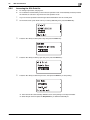
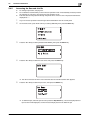
Press the + or , key to select [Save Folder], then press the Select key.
7
Press the + or , key to select the destination to which the file is to be saved, then press the Select key.
% The image file stored in [Personal] is protected. Select [Personal] whenever saving a highly confidential file.
8
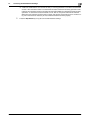
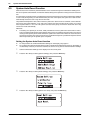
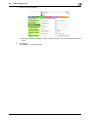
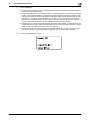
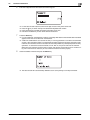
Press the + or , key to select [Document Name], then press the Select key.
9
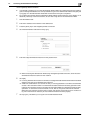
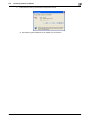
Check the file name to be saved and press the Start key.
bizhub C3110
3-15