1
3.1
User Authentication Function
4
3
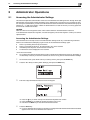
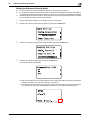
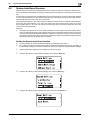
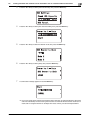
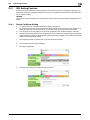
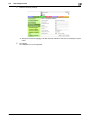
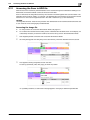
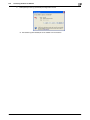
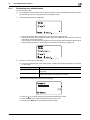
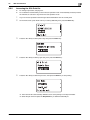
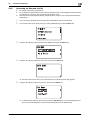
Press the Select key.
% If a wrong User Password is entered, a message that tells that the authentication has failed appears.
Enter the correct User Password.
% A failure in authentication as a result of the entry of a wrong password is counted as unauthorized
access. If the cumulative number of unauthorized accesses reaches three during operation of the
machine, the machine is set into an access lock state and prohibits any subsequent password entry
operations. To cancel the access lock state, turn off, then on, the power switch of the machine.
When the power switch is turned off, then on again, wait at least 10 seconds to turn it on after turning it off. This interval is necessary to ensure that the machine functions properly.
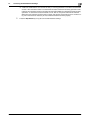
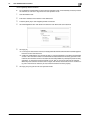
% If there are two or more ID & Print files involved, all of them will be printed. To select and print only
a desired file, select [Login], select the desired file from [ID & Print], and have it printed. For the detailed procedure to access the ID & Print files, see page 3-8.
% If the ID & Print file is not saved even with the ID & Print function set, you log on to the machine
through the ordinary procedure regardless of whether [Login] or [Print/Login] is selected.
5
bizhub C3110
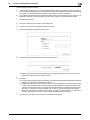
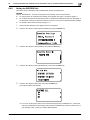
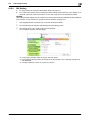
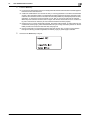
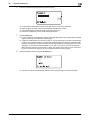
Hold down the Access key to log off.
3-4