1
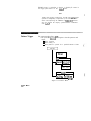
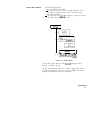
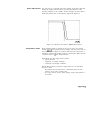
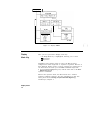
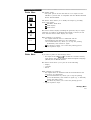
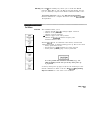
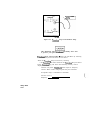
Probe Tip Cal failure is indicated by incorrect vertical scaling:
l
contact a Hewlett-Packard Service Center if the instrument
fails to calibrate.
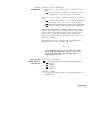
Vertical Cal
Vertical Cal allows you to:
l
software calibrate vertical sensitivity and offset.
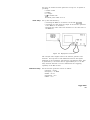
Instrument Setup - All inputs to CHAN 1 and CHAN 2 must be
disconnected.
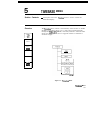
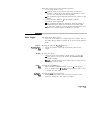
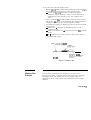
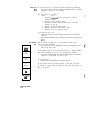
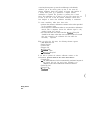
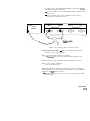
Vertical Cal Procedure - Enter the Cal menu by selecting Utility
and then the Cal menu.
Press the Vertical Cal key:
l
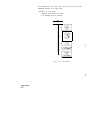
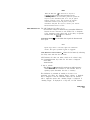
the advisory “Remove probes from CHAN 1 and CHAN 2
inputs. Press Continue when ready” will be displayed on the
screen.
To start calibration:
l
remove all probes from inputs and press Continue.
When the calibration has started:
l
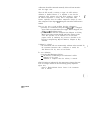
the advisory “Setting up hardware for Cal” will be displayed
for about two seconds.
l
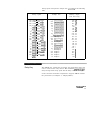
the instrument will then calibrate vertical gain at 49.9 mV,
20.0 mV, 19.9 mV, 10.0 mV, 9.99 mV, 5.00 mV, 4.99 mV, 2.00 mV,
1.99 mV, and 1.00 mV per division.
l
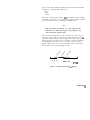
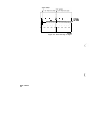
a counter (moving arrow) will travel across the CRT during
calibration to indicate that the instrument is working.
When calibration is complete:
l
the HP 54111D will automatically return to the Utility menu.
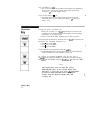
If the Exit key is pressed before the calibration procedure is
complete:
l
if the advisory: “Vertical Calibration Aborted” appears:
- the instrument will return to the Cal menu and the cal factors
will not be changed.
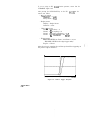
Vertical cal failure is indicated by incorrect vertical gain and/or
offset.
l
contact a Hewlett-Packard Service Center if the instrument
fails to calibrate.
Utility Menu
14-11