1
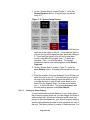
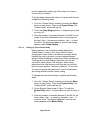
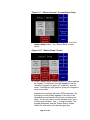
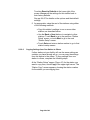
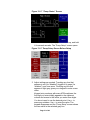
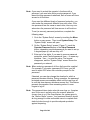
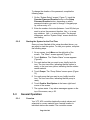
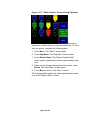
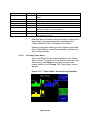
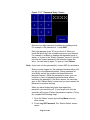
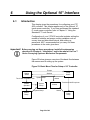
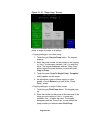
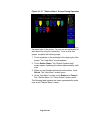
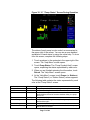
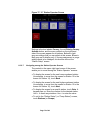
Figure 37: 10” Station Operator Screen
Settings in the box labeled Convey, the red Priority Convey
Activate button, and the menu controls on the right-hand
side of the screen appear for all stations. Buttons in light
gray are settings that you can adjust at this screen. Boxes in
dark gray are for display only. If a pump assignment or purge
setting needs to be changed, this must be done at the
“Station Setup” screen.
6-3-2-7
Navigating among the Station Operator Screens
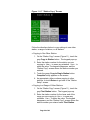
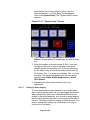
The controls in the upper right-hand corner of the screen
enable you to move among the “Station Operator” screens:
• To display the screen for the next lower-numbered station
(for example, to move from the screen for Station 15 to the
screen for Station 14), touch Back.
• To display the screen for the next higher-numbered station
(for example, to move from the screen for Station 15 to the
screen for Station 16), touch Next.
• To display the screen for a specific station, touch Goto. A
keypad pops up. Enter the number for the desired station.
Use ← to erase any mistakes. Use ↵ to enter the value.
• To exit to the “Station Status” (or “Pump Status”) screen,
touch Stations (or Pumps).
Page 75 of 98